1
2
3
4
5
6
7
8
9
10
11
12
13
14
15
16
17
18
19
20
21
22
23
24
25
26
27
28
29
30
31
32
33
34
35
36
37
38
39
40
41
42
43
44
45
46
47
48
49
50
51
52
53
54
55
56
57
58
59
60
61
62
63
64
65
66
67
68
69
70
71
72
73
74
75
76
77
78
79
80
81
82
83
84
85
86
87
88
89
90
91
92
93
94
95
96
97
98
99
100
101
102
103
104
105
106
107
108
109
110
111
112
113
114
115
116
117
118
119
120
121
122
123
124
125
126
127
128
129
130
131
132
133
134
135
136
137
138
139
140
141
142
143
144
145
146
147
148
149
150
151
152
153
154
155
156
157
158
159
160
161
|
[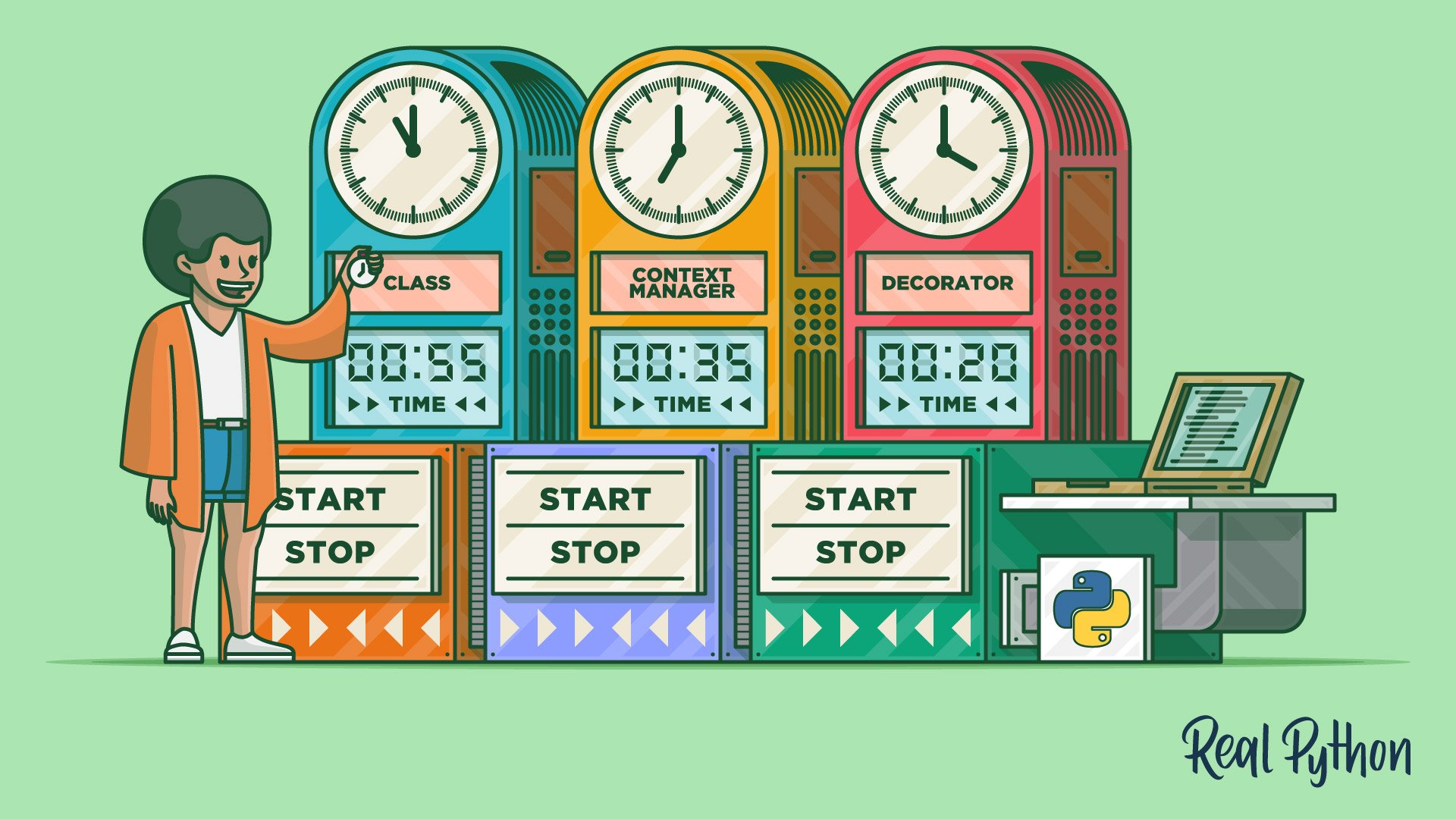](https://realpython.com/python-timer)
# `codetiming` - A flexible, customizable timer for your Python code
[](https://pypi.org/project/codetiming/)
[](https://pypi.org/project/codetiming/)
[](https://pypi.org/project/codetiming/)
[](https://github.com/realpython/codetiming/actions)
[](http://mypy-lang.org/)
[](https://interrogate.readthedocs.io/)
[](https://github.com/psf/black)
[](https://mit-license.org/)
Install `codetiming` from PyPI:
```
$ python -m pip install codetiming
```
The source code is [available on GitHub](https://github.com/realpython/codetiming).
For a complete tutorial on `codetiming`, see [Python Timer Functions: Three Ways to Monitor Your Code](https://realpython.com/python-timer) on [Real Python](https://realpython.com/).
## Basic Usage
You can use `codetiming.Timer` in several different ways:
1. As a **class**:
```python
t = Timer(name="class")
t.start()
# Do something
t.stop()
```
2. As a **context manager**:
```python
with Timer(name="context manager"):
# Do something
```
3. As a **decorator**:
```python
@Timer(name="decorator")
def stuff():
# Do something
```
## Arguments
`Timer` accepts the following arguments when it's created. All arguments are optional:
- **`name`:** An optional name for your timer
- **`text`:** The text that's shown when your timer ends. It should contain a `{}` placeholder that will be filled by the elapsed time in seconds (default: `"Elapsed time: {:.4f} seconds"`)
- **`initial_text`:** Show text when your timer starts. You may provide the string to be logged or `True` to show the default text `"Timer {name} started"` (default: `False`)
- **`logger`:** A function/callable that takes a string argument and will report the elapsed time when the logger is stopped (default: `print()`)
You can turn off explicit reporting of the elapsed time by setting `logger=None`.
In the template text, you can also use explicit attributes to refer to the `name` of the timer or log the elapsed time in `milliseconds`, `seconds` (the default), or `minutes`. For example:
```python
t1 = Timer(name="NamedTimer", text="{name}: {minutes:.1f} minutes")
t2 = Timer(text="Elapsed time: {milliseconds:.0f} ms")
```
Note that the strings used by `text` are **not** f-strings. Instead, they are used as templates that will be populated using `.format()` behind the scenes. If you want to combine the `text` template with an f-string, you need to use double braces for the template values:
```python
t = Timer(text=f"{__file__}: {{:.4f}}")
```
`text` is also allowed to be a callable like a function or a class. If `text` is a callable, it is expected to require one argument: the number of seconds elapsed. It should return a text string that will be logged using logger:
```python
t = Timer(text=lambda secs: f"{secs / 86400:.0f} days")
```
This allows you to use third-party libraries like [`humanfriendly`](https://pypi.org/project/humanfriendly/) to do the text formatting:
```python
from humanfriendly import format_timespan
t1 = Timer(text=format_timespan)
t2 = Timer(text=lambda secs: f"Elapsed time: {format_timespan(secs)}")
```
You may include a text that should be logged when the timer starts by setting `initial_text`:
```python
t = Timer(initial_text="And so it begins ...")
```
You can also set `initial_text=True` to use a default initial text.
## Capturing the Elapsed Time
When using `Timer` as a class, you can capture the elapsed time when calling `.stop()`:
```python
elapsed_time = t.stop()
```
You can also find the last measured elapsed time in the `.last` attribute. The following code will have the same effect as the previous example:
```python
t.stop()
elapsed_time = t.last
```
## Named Timers
Named timers are made available in the class dictionary `Timer.timers`. The elapsed time will accumulate if the same name or same timer is used several times. Consider the following example:
```pycon
>>> import logging
>>> from codetiming import Timer
>>> t = Timer("example", text="Time spent: {:.2f}", logger=logging.warning)
>>> t.start()
>>> t.stop()
WARNING:root:Time spent: 3.58
3.5836678670002584
>>> with t:
... _ = list(range(100_000_000))
...
WARNING:root:Time spent: 1.73
>>> Timer.timers
{'example': 5.312697440000193}
```
The example shows how you can redirect the timer output to the logging module. Note that the elapsed time spent in the two different uses of `t` has been accumulated in `Timer.timers`.
You can also get simple statistics about your named timers. Continuing from the example above:
```pycon
>>> Timer.timers.max("example")
3.5836678670002584
>>> Timer.timers.mean("example")
2.6563487200000964
>>> Timer.timers.stdev("example")
1.311427314335879
```
`timers` support `.count()`, `.total()`, `.min()`, `.max()`, `.mean()`, `.median()`, and `.stdev()`.
## Acknowledgments
`codetiming` is based on a similar module initially developed for the [Midgard Geodesy library](https://kartverket.github.io/midgard/) at the [Norwegian Mapping Authority](https://www.kartverket.no/en/).
|
