1
2
3
4
5
6
7
8
9
10
11
12
13
14
15
16
17
18
19
20
21
22
23
24
25
26
27
28
29
30
31
32
33
34
35
36
37
38
39
40
41
42
43
44
45
46
47
48
49
50
51
52
53
54
55
56
57
58
59
60
61
62
63
64
65
66
67
68
69
70
71
72
73
74
75
76
77
78
79
80
81
82
83
84
85
86
87
|
- [Distrobox](../README.md)
- [Run Libvirt using distrobox](run_libvirt_in_distrobox.md)
- [Prepare the container](#prepare-the-container)
- [Launch from the container](#launch-from-the-container)
- [Connect via SSH](#connect-via-ssh)
# Using an immutable distribution
If you are on an immutable distribution (Silverblue/Kionite, Aeon/Kalpa) chances are that
installing lots and lots of packages on the base system is not advisable.
One way is to use a distrobox for them.
## Prepare the container
To run libvirt/qemu/kvm we need a systemd container and we need a **rootful** container
to be able to use it, see [this tip](../useful_tips.md#using-init-system-inside-a-distrobox)
to have a list of compatible images.
We will use in this example OpenSUSE's dedicated distrobox image:
Assembly file:
```ini
[libvirt]
image=registry.opensuse.org/opensuse/distrobox:latest
pull=true
init=true
root=true
entry=true
start_now=false
unshare_all=true
additional_packages="systemd"
# Basic utilities for terminal use
init_hooks="zypper in -y --no-recommends openssh-server patterns-server-kvm_server patterns-server-kvm_tools qemu-arm qemu-ppc qemu-s390x qemu-extra qemu-linux-user qemu-hw-display-virtio-gpu-pci qemu-hw-display-virtio-gpu"
init_hooks="systemctl enable sshd.service"
init_hooks="systemctl enable virtqemud.socket virtnetworkd.socket virtstoraged.socket virtnodedevd.socket"
# Add the default user to the libvirt group
init_hooks="usermod -aG libvirt ${USER}"
# Expose container ssh on host
additional_flags="-p 2222:22"
# Export virt-manager
exported_apps="virt-manager"
```
Alternatively, command line:
```console
distrobox create --pull --root --init --unshare-all --image registry.opensuse.org/opensuse/distrobox:latest --name libvirtd --additional-flags "-p 2222:22" \
--init-hooks "zypper in -y --no-recommends openssh-server patterns-server-kvm_server patterns-server-kvm_tools qemu-arm qemu-ppc qemu-s390x qemu-extra qemu-linux-user qemu-hw-display-virtio-gpu-pci qemu-hw-display-virtio-gpu && systemctl enable sshd.service && systemctl enable virtqemud.socket virtnetworkd.socket virtstoraged.socket virtnodedevd.socket && usermod -aG libvirt $USER"
distrobox-enter --root libvirtd -- distrobox-export --app virt-manager
```
## Launch from the container
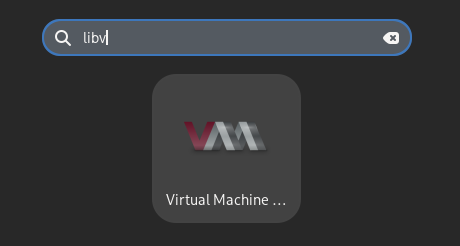
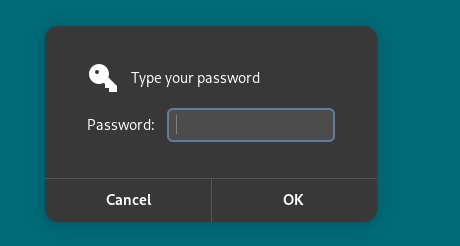
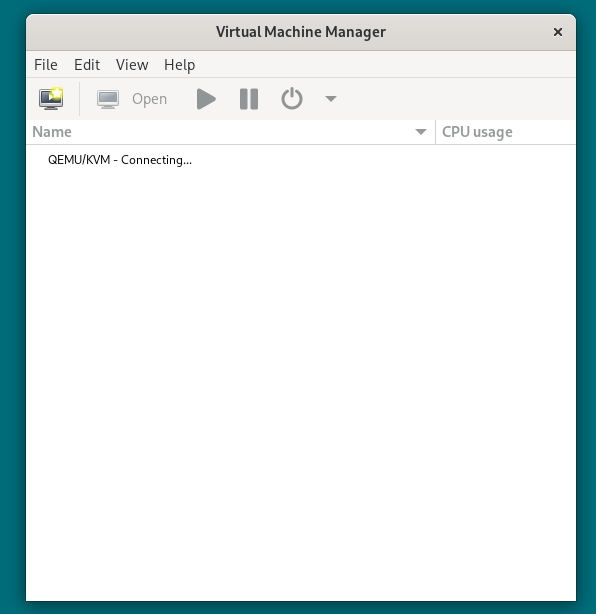
Simply select the `Virt Manager (on libvirt)` entry in your menu, entry your root password and you're done!
## Connect via SSH
You can alternatively connect from an existing VirtManager
Now you will need to **Add a connection**:

Then set it like this:
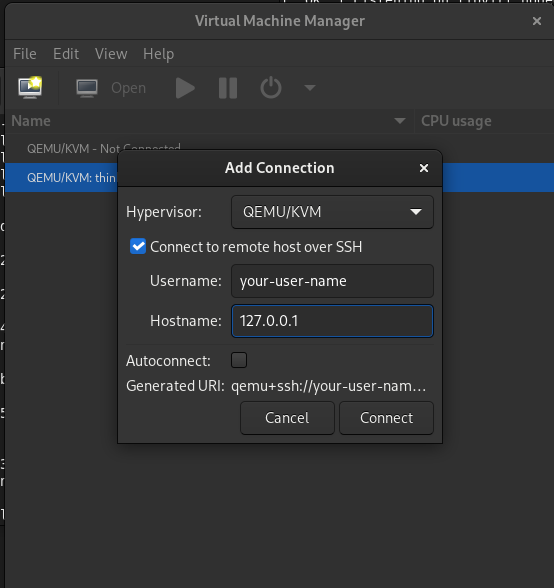
- Tick the "Use ssh" option
- username: `<your-user-name>`
- hostname: 127.0.0.1:2222
Optionally you can set it to autoconnect.
Now you can simply double click the connection to activate it, you'll be prompted
with your password, insert the same password as the host:
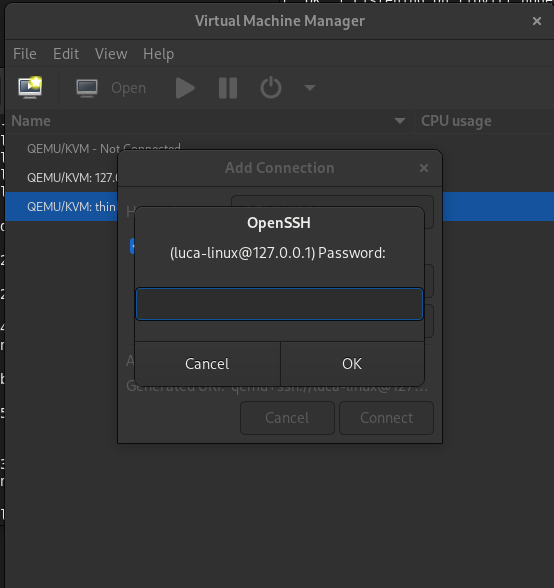
And you should be good to go!

|
