1
2
3
4
5
6
7
8
9
10
11
12
13
14
15
16
17
18
19
20
21
22
23
24
25
26
27
28
29
30
31
32
33
34
35
36
37
38
39
40
41
42
43
44
45
46
47
48
49
50
51
52
53
54
55
56
57
58
59
60
61
62
63
64
65
66
67
68
69
70
71
72
73
74
75
76
77
78
79
80
81
82
83
84
|
---
stage: Create
group: Code Review
info: To determine the technical writer assigned to the Stage/Group associated with this page, see https://about.gitlab.com/handbook/product/ux/technical-writing/#assignments
---
# GitLab CLI - `glab`
GLab is an open source GitLab CLI tool. It brings GitLab to your terminal:
next to where you are already working with Git and your code, without
switching between windows and browser tabs.
- Work with issues.
- Work with merge requests.
- Watch running pipelines directly from your CLI.
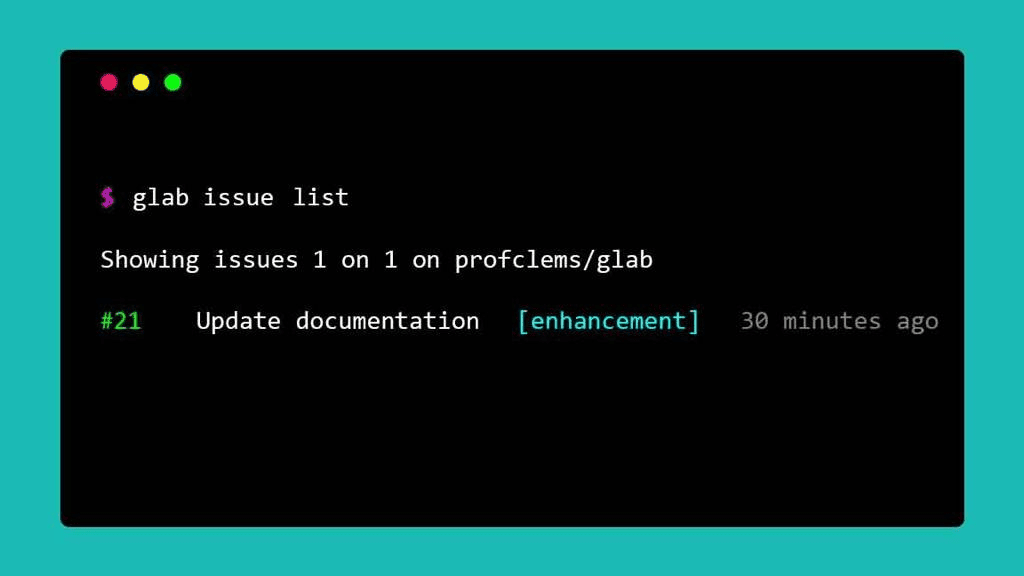
The GitLab CLI uses commands structured like `glab <command> <subcommand> [flags]`
to perform many of the actions you normally do from the GitLab user interface:
```shell
# Sign in
glab auth login --stdin < token.txt
# View a list of issues
glab issue list
# Create merge request for issue 123
glab mr for 123
# Check out the branch for merge request 243
glab mr checkout 243
# Watch the pipeline in progress
glab pipeline ci view
# View, approve, and merge the merge request
glab mr view
glab mr approve
glab mr merge
```
## Core commands
- [`glab alias`](alias)
- [`glab api`](api)
- [`glab auth`](auth)
- [`glab check-update`](check-update)
- [`glab ci`](ci)
- [`glab completion`](completion)
- [`glab config`](config)
- [`glab incident`](incident)
- [`glab issue`](issue)
- [`glab label`](label)
- [`glab mr`](mr)
- [`glab release`](release)
- [`glab repo`](repo)
- [`glab schedule`](schedule)
- [`glab snippet`](snippet)
- [`glab ssh-key`](ssh-key)
- [`glab user`](user)
- [`glab variable`](variable)
## Install the CLI
Installation instructions are available in the GLab
[`README`](https://gitlab.com/gitlab-org/cli/#installation).
## Authenticate with GitLab
To authenticate with your GitLab account, run `glab auth login`.
`glab` respects tokens set using `GITLAB_TOKEN`.
## Report issues
Open an issue in the [`gitlab-org/cli` repository](https://gitlab.com/gitlab-org/cli/issues/new)
to send us feedback.
## Related topics
- [Install the CLI](https://gitlab.com/gitlab-org/cli/-/blob/main/README.md#installation)
- The extension source code is available in the
[`cli`](https://gitlab.com/gitlab-org/cli/) project.
|
