1
2
3
4
5
6
7
8
9
10
11
12
13
14
15
16
17
18
19
20
21
22
23
24
25
26
27
28
29
30
31
32
33
34
35
36
37
38
39
40
41
42
43
44
45
46
47
48
49
50
51
52
53
54
55
56
57
58
59
60
61
62
63
64
65
66
67
68
69
70
71
72
73
74
75
76
77
78
79
80
81
82
83
84
85
86
87
88
89
90
91
92
93
94
95
96
97
98
99
100
101
102
103
104
105
106
107
108
109
110
111
112
113
114
115
116
117
118
119
120
121
122
123
124
125
126
127
128
129
130
131
132
133
134
135
136
137
138
139
140
141
142
143
144
145
146
147
148
149
150
151
152
153
154
155
156
157
158
159
160
161
162
163
164
165
166
167
168
169
170
171
172
173
174
175
176
177
178
179
180
181
182
183
184
185
186
187
188
189
190
191
192
193
194
195
196
197
198
199
200
201
202
203
204
205
206
207
208
209
210
211
212
213
214
215
216
217
218
219
220
221
222
223
224
225
226
227
228
229
230
231
232
233
234
235
236
237
238
239
240
241
242
243
244
245
246
247
248
249
250
251
252
253
254
255
256
257
258
259
260
261
262
263
264
265
266
267
268
269
270
271
272
273
274
275
276
277
278
279
280
281
282
283
284
285
286
287
288
289
290
291
292
293
294
295
296
297
298
299
300
301
302
303
304
305
306
307
308
309
310
311
312
313
314
315
316
317
318
319
320
321
322
323
324
325
326
327
328
329
330
331
332
333
334
335
336
337
338
339
340
341
342
343
344
345
346
347
348
349
350
351
352
353
354
355
356
357
358
359
360
361
362
363
364
365
366
367
368
369
370
|
libsixel
========

[](https://github.com/libsixel/libsixel/actions/)
## This is a fork
This is a fork with various improvements and security patches. Hayaki Saito, the project's originator and long-time maintainer, disappeared in 1/2020. It's unknown what happened to him, he no longer even posts on Twitter. This is a continuation by the community. Fredrick R. Brennan (@ctrlcctrlv) is lead maintainer. For more information see [saitoha/libsixel issue №154](https://github.com/saitoha/libsixel/issues/154).
## What is this?
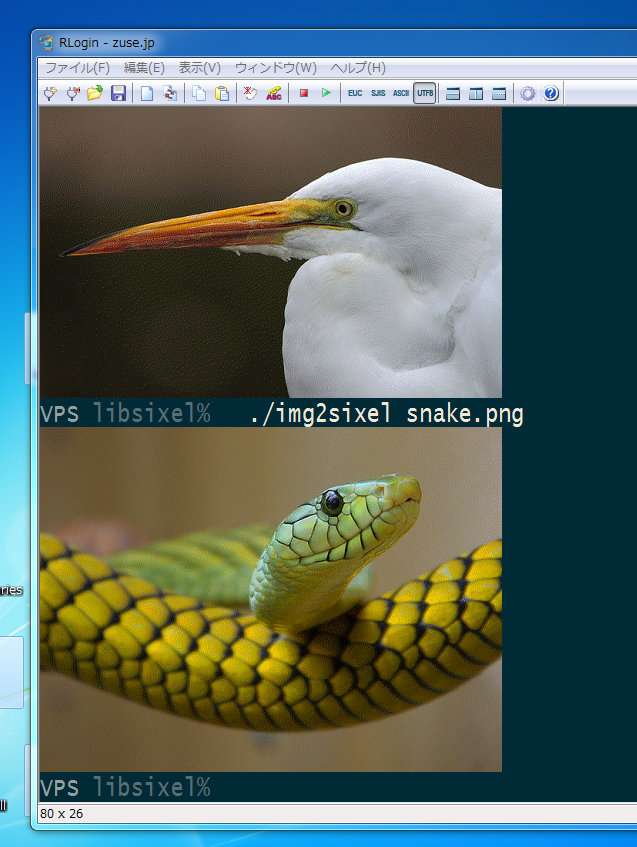
This package provides a C encoder/decoder implementation for DEC SIXEL graphics in the `libsixel.so` shared library, and two converter programs, `img2sixel` and `sixel2png`.
(https://youtu.be/0SasrQ7pnbA)
SIXEL is one of image formats for printer and terminal imaging introduced by
Digital Equipment Corp. (DEC).
Its data scheme is represented as a terminal-friendly escape sequence.
So if you want to view a SIXEL image file, all you have to do is "cat" it to your terminal.
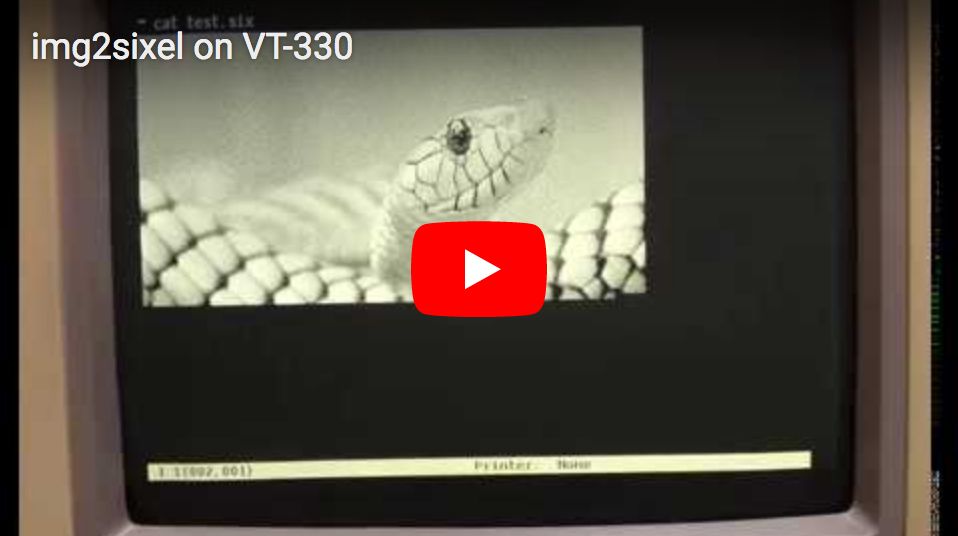
On 80's real hardware terminals, it tooks unbearable long waiting times to display images.
[](https://youtu.be/0SasrQ7pnbA)
But nowdays, with high-speed CPU and broadband network, we got the chance broaden the scope of SIXEL graphics.
## SIXEL animation
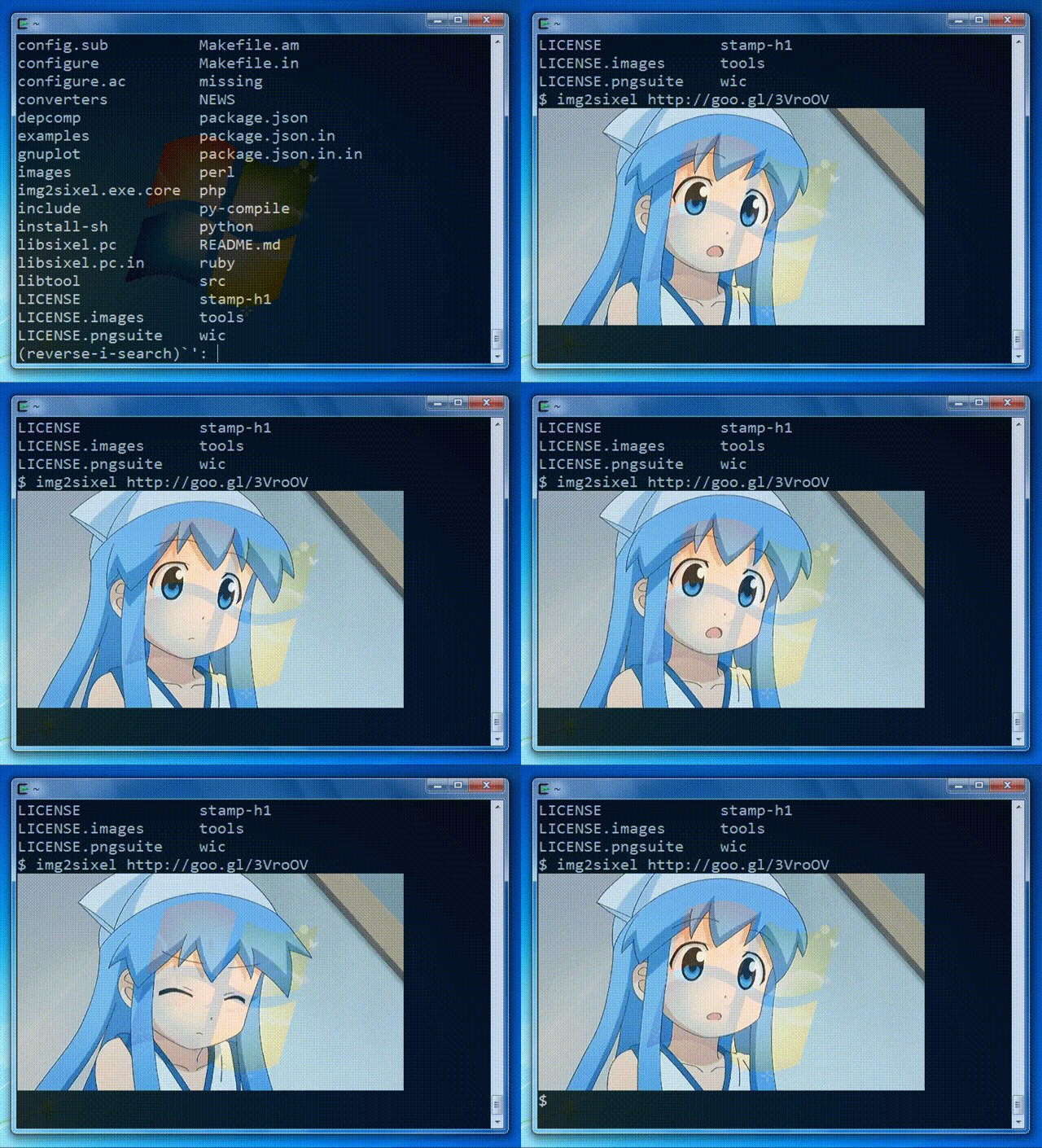
`img2sixel(1)` can decode GIF animations as well.
## Projects using SIXEL graphics
### gnuplot
- [gnuplot](https://www.gnuplot.info/)
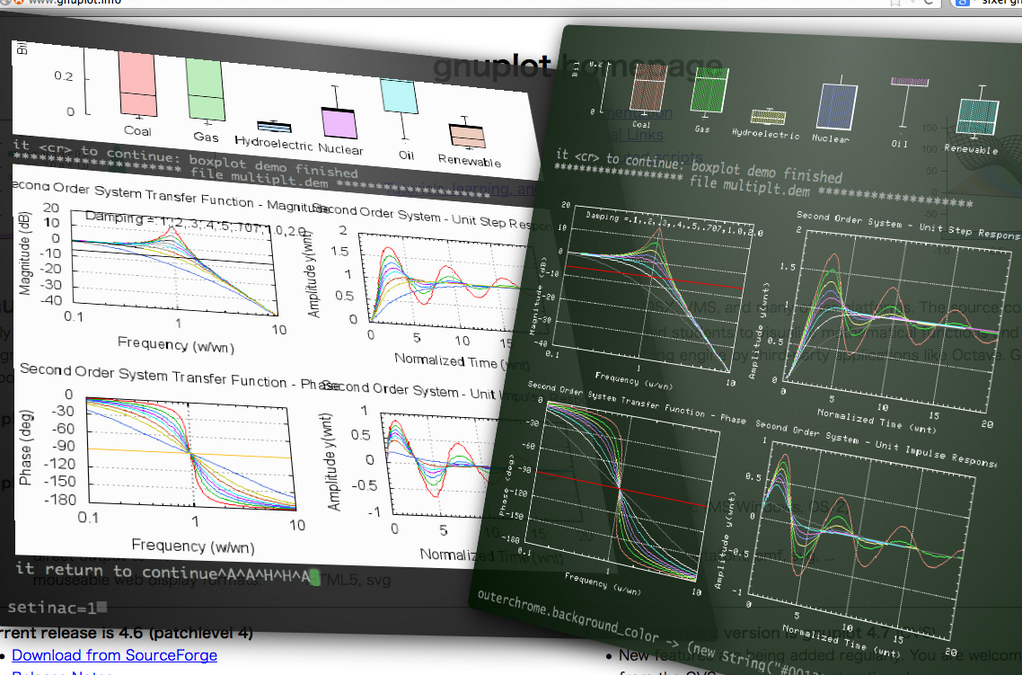
Recent versions of gnuplot support the new terminal driver "sixeltek(sixel)" / "sixelgd".
### Ghostscript
- [ghostscript](https://www.ghostscript.com/)
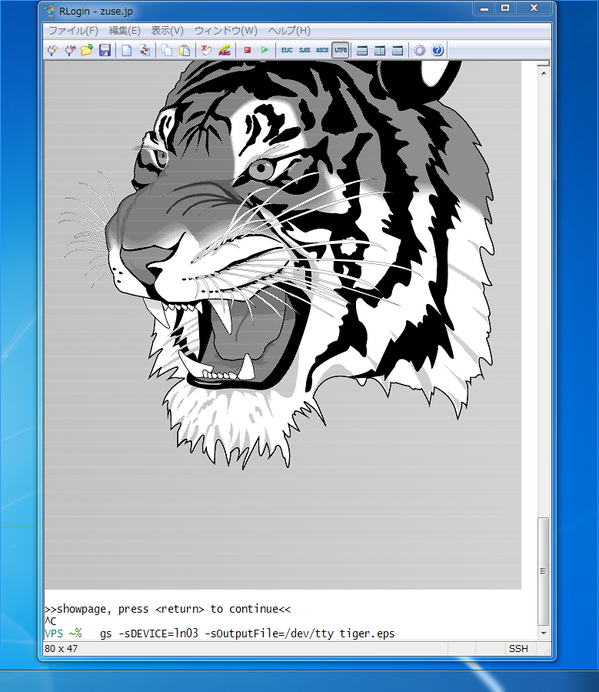
You can emit SIXEL images with LN03 / LN50 / LA75 driver.
example:
```
$ gs -q -r100x -dBATCH -dNOPAUSE -sDEVICE=ln03 -sOutputFile=- tiger.eps
```
### ImageMagick
- [ImageMagick](https://www.imagemagick.org/)
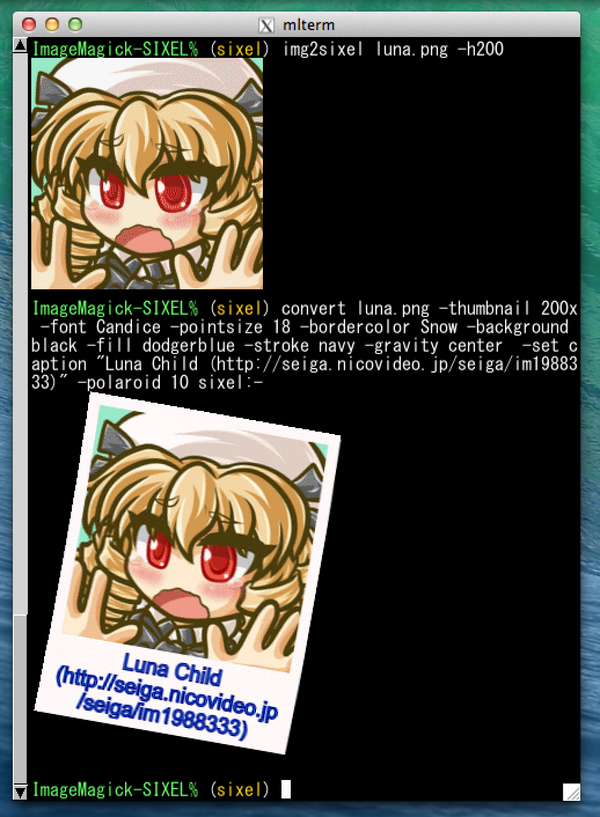
Recent version of ImageMagick provides SIXEL coder. It's also available over commandline tools.
### `lsix`
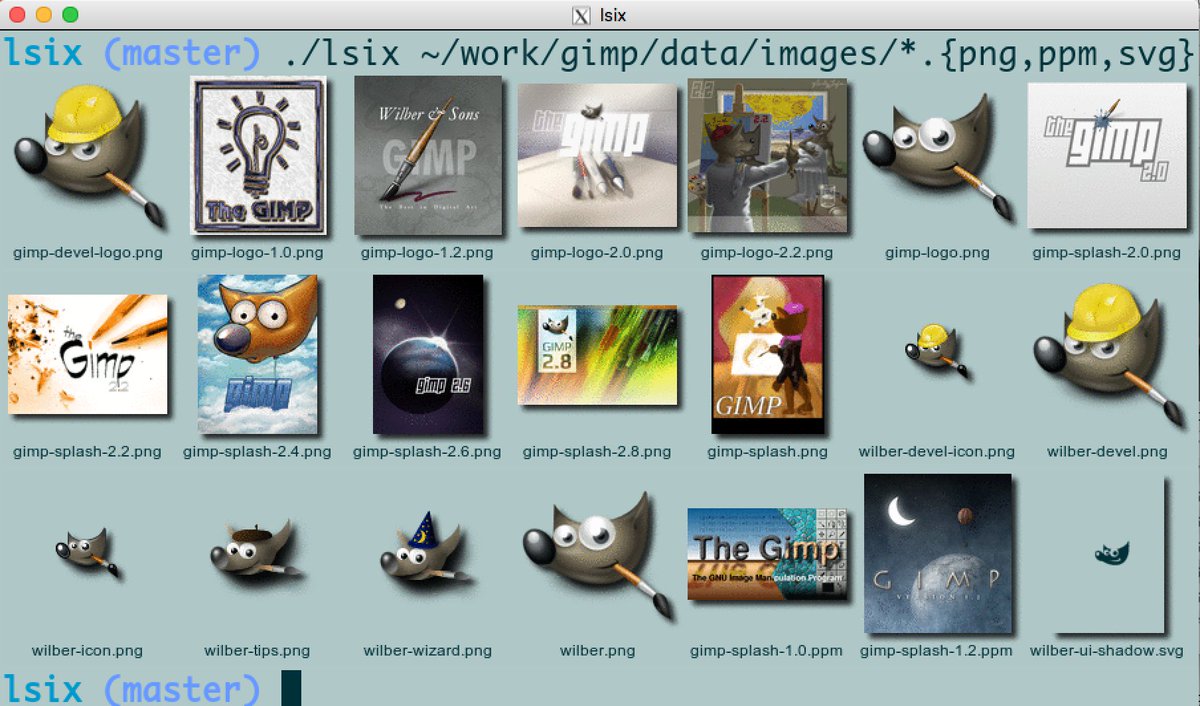
- [lsix](https://github.com/hackerb9/lsix)
Like "ls", but for images. Shows thumbnails in terminal using sixel graphics.
### Video streaming
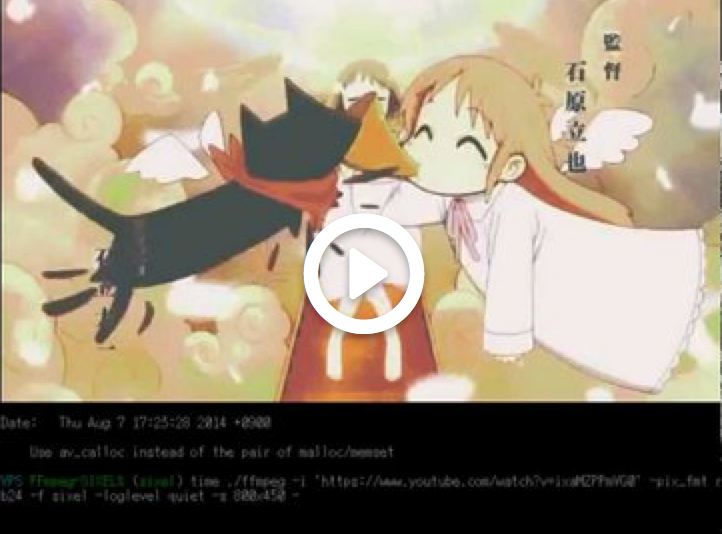
Now Youtube video streaming is available over SIXEL protocol by [FFmpeg-SIXEL](https://github.com/saitoha/FFmpeg-SIXEL) project.
[](https://youtu.be/hqMh47lYHlc)
Above demo only uses 16 color registers.
### SDL integration: Gaming, Virtualization, ...etc.
[SDL1.2-SIXEL](https://github.com/saitoha/SDL1.2-SIXEL) project makes enable you to operate various GUI applications on the terminal.
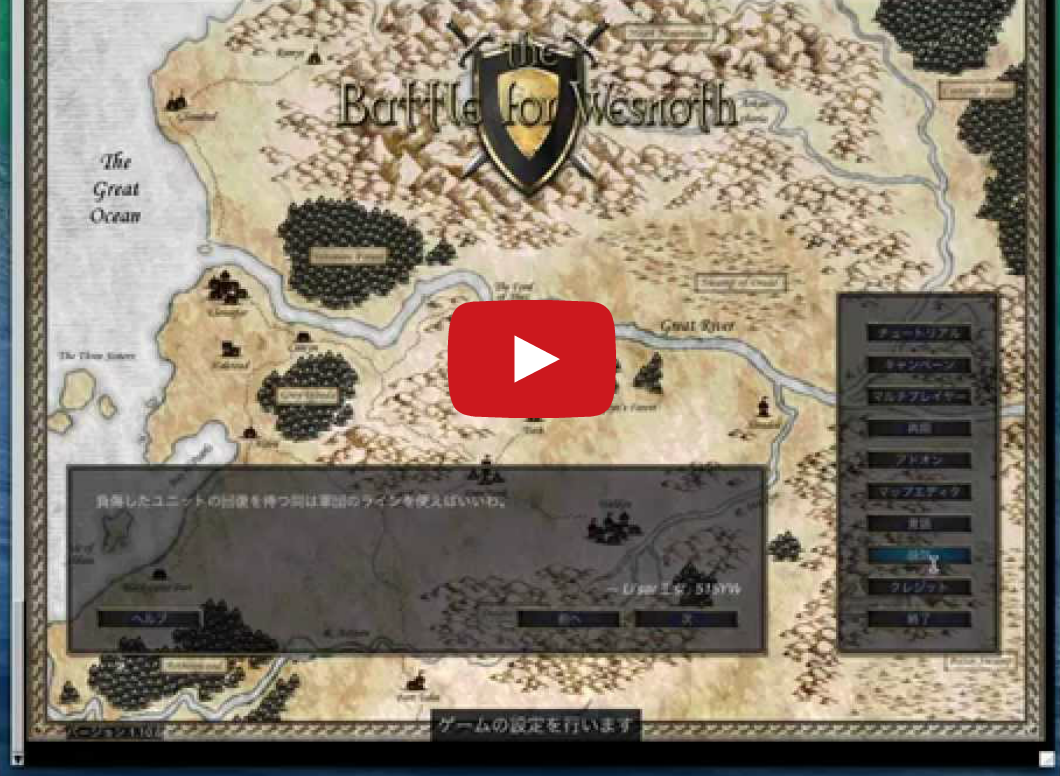
You can play "`The Battle for Wesnoth`" over SIXEL protocol.
[](https://youtu.be/aMUkN7TSct4)
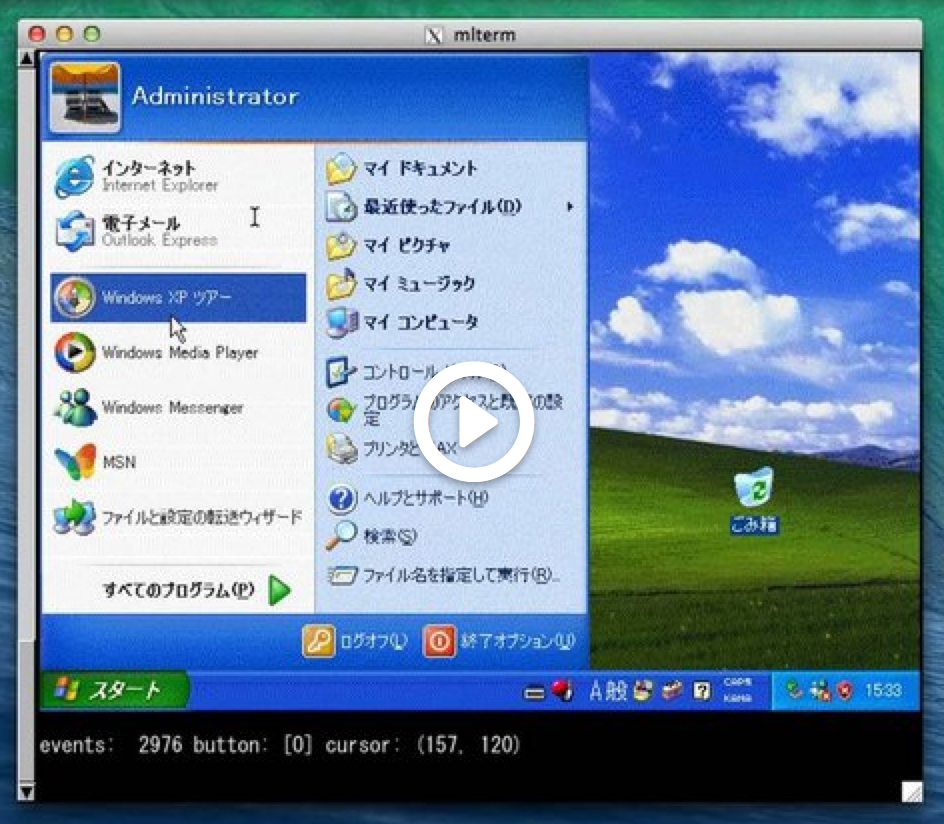
You can run QEMU on SIXEL terminals.
[](https://youtu.be/X6M5tgNjEuQ)
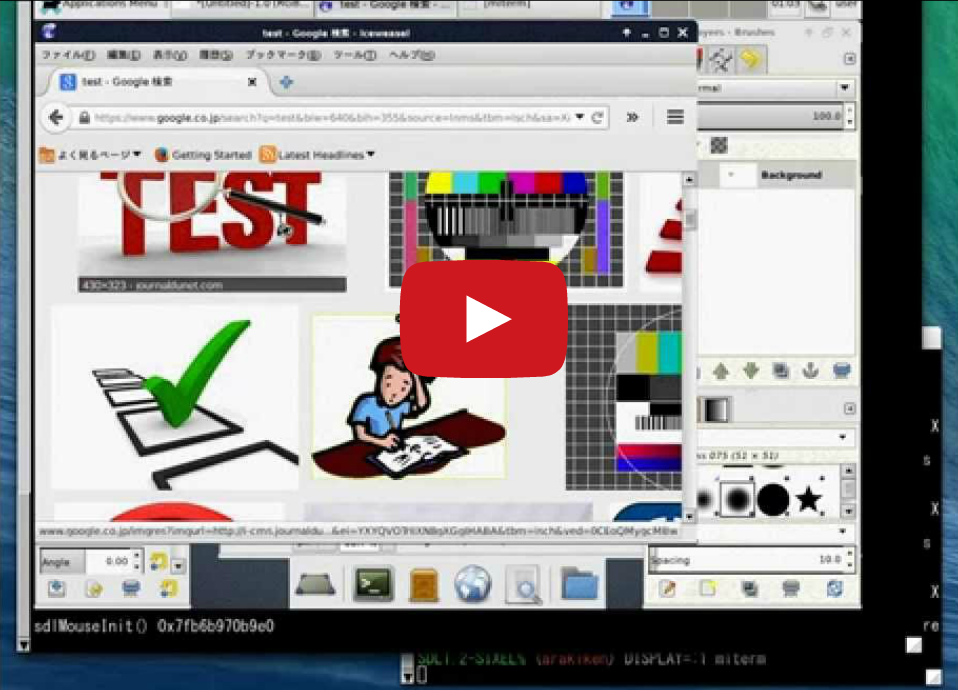
[SDL1.2-SIXEL](https://github.com/saitoha/SDL1.2-SIXEL) can collaborate with [XSDL-SIXEL](https://github.com/saitoha/xserver-xsdl-sixel).
[](https://youtu.be/UOTMGdUPYRo)
Furthermore some information of SIXEL-ready SDL applications are reported.
- [NetSurf](https://www.reddit.com/r/commandline/comments/4qyb90/netsurf_a_graphical_browser_on_xterm_using_sixel/)
([screenshot](https://imgur.com/a/Y6xH6))
- [Green PDF Viewer](https://www.reddit.com/r/commandline/comments/4oldf5/view_pdfs_in_terminal_requires_nixos_latest_git/)
([screenshot](https://m.reddit.com/r/commandline/comments/4oldf5/view_pdfs_in_terminal_requires_nixos_latest_git/))
- [DOOM](https://www.libsdl.org/projects/doom/)
([tweet](https://twitter.com/rattcv/status/775213402130046977))
- [firesdl](https://github.com/klange/firesdl)
([movie](https://www.youtube.com/watch?v=XubH2W39Xtc))
### `w3m` integration
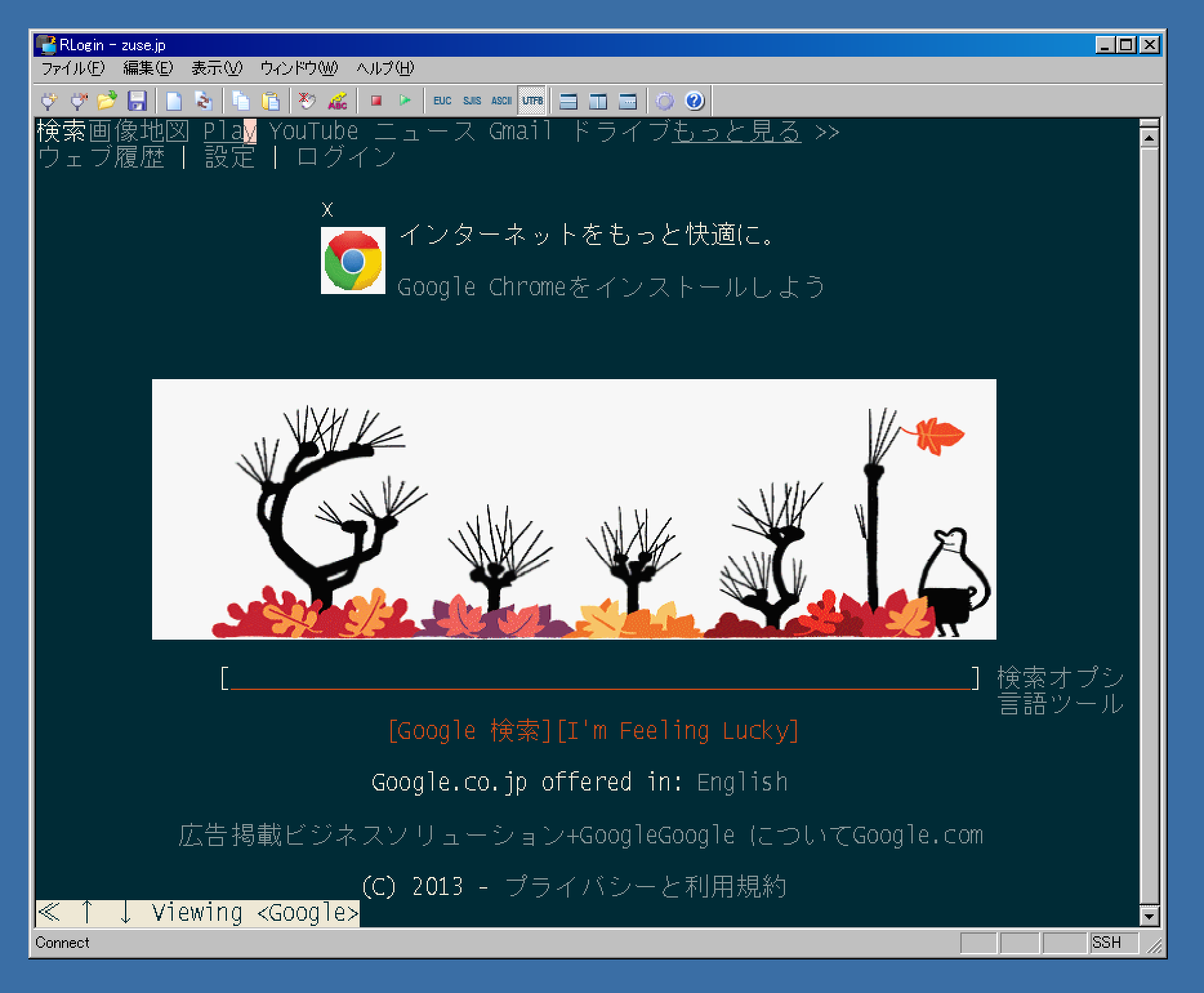
`img2sixel(1)` can be integrated with [Debian's w3m](https://tracker.debian.org/pkg/w3m)(maintained by [Tatsuya Kinoshita](https://github.com/tats)) that includes patches for *-sixel* option derived from code by @arakiken (w3m `remoteimg` branch).
@uobikiemukot's [sdump](https://github.com/uobikiemukot/sdump) project selected another approach.
He wrote a w3mimgdisplay compatible program [yaimg-sixel](https://github.com/uobikiemukot/sdump/tree/master/yaimg-sixel).
It also works with [ranger](https://github.com/hut/ranger).
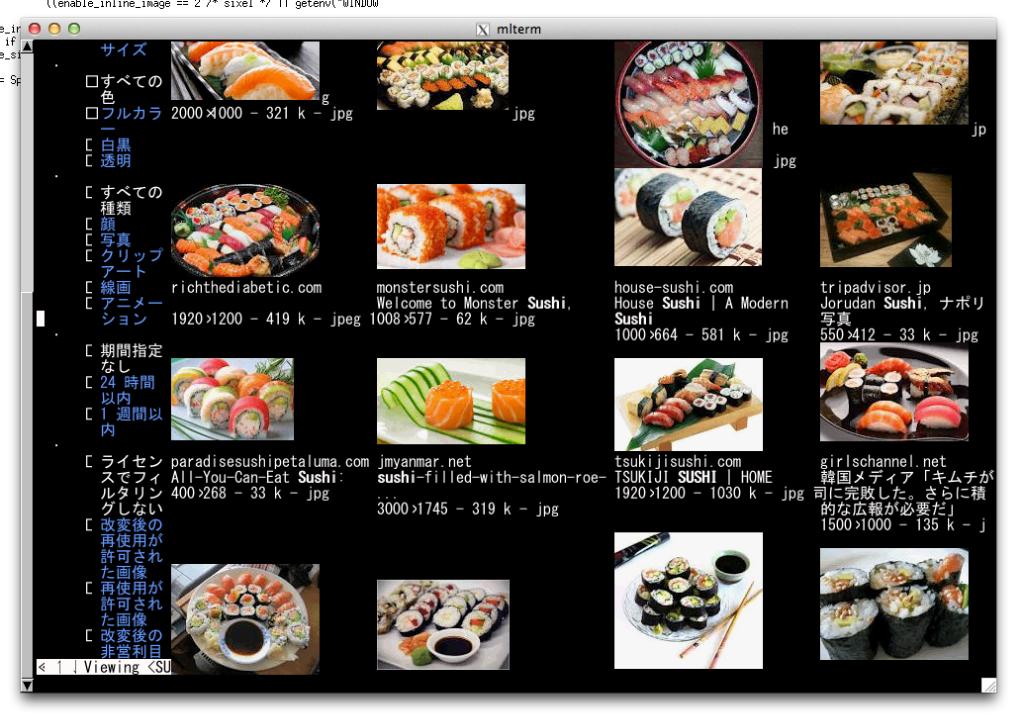
### X11 on SIXEL terminals
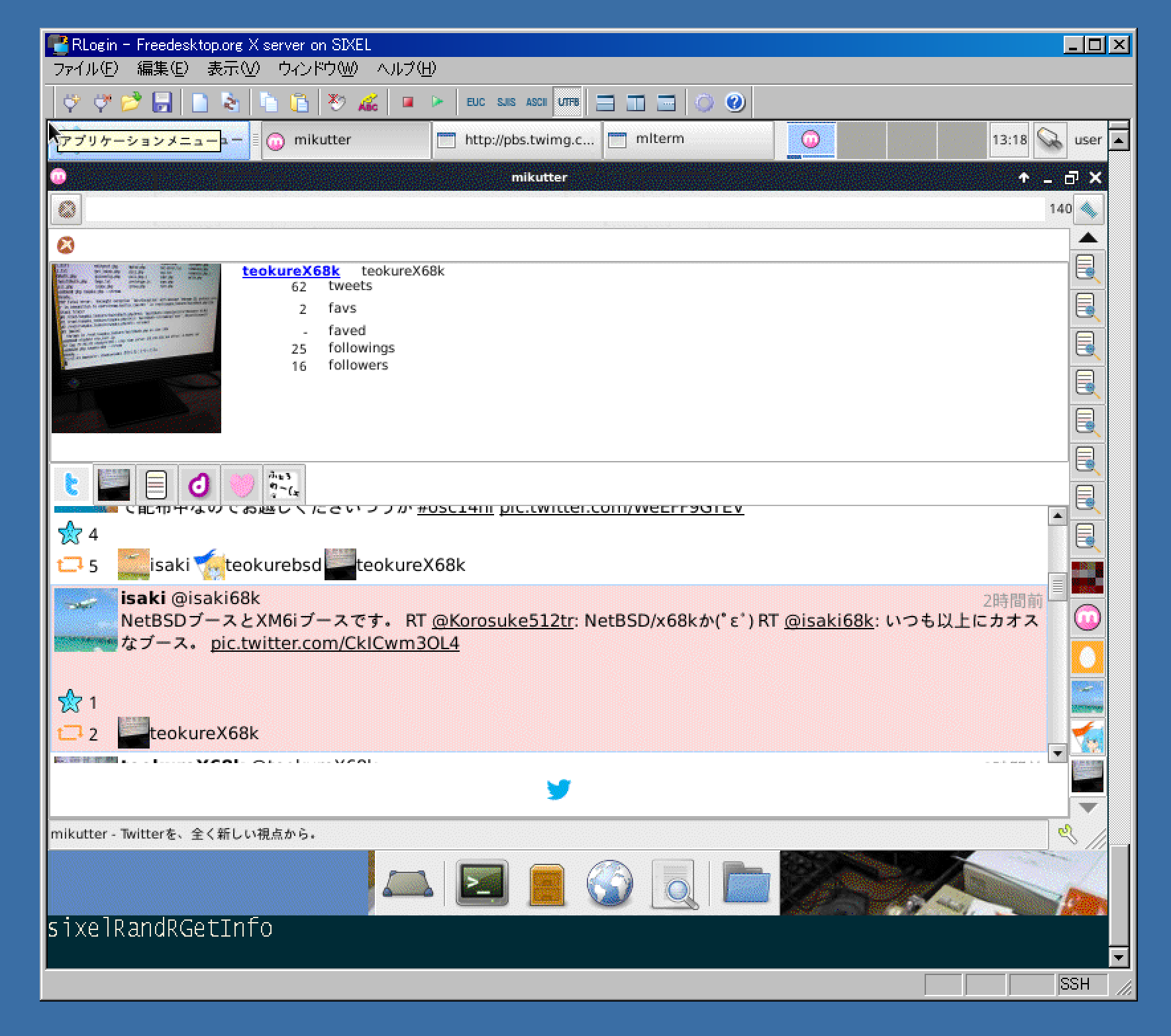
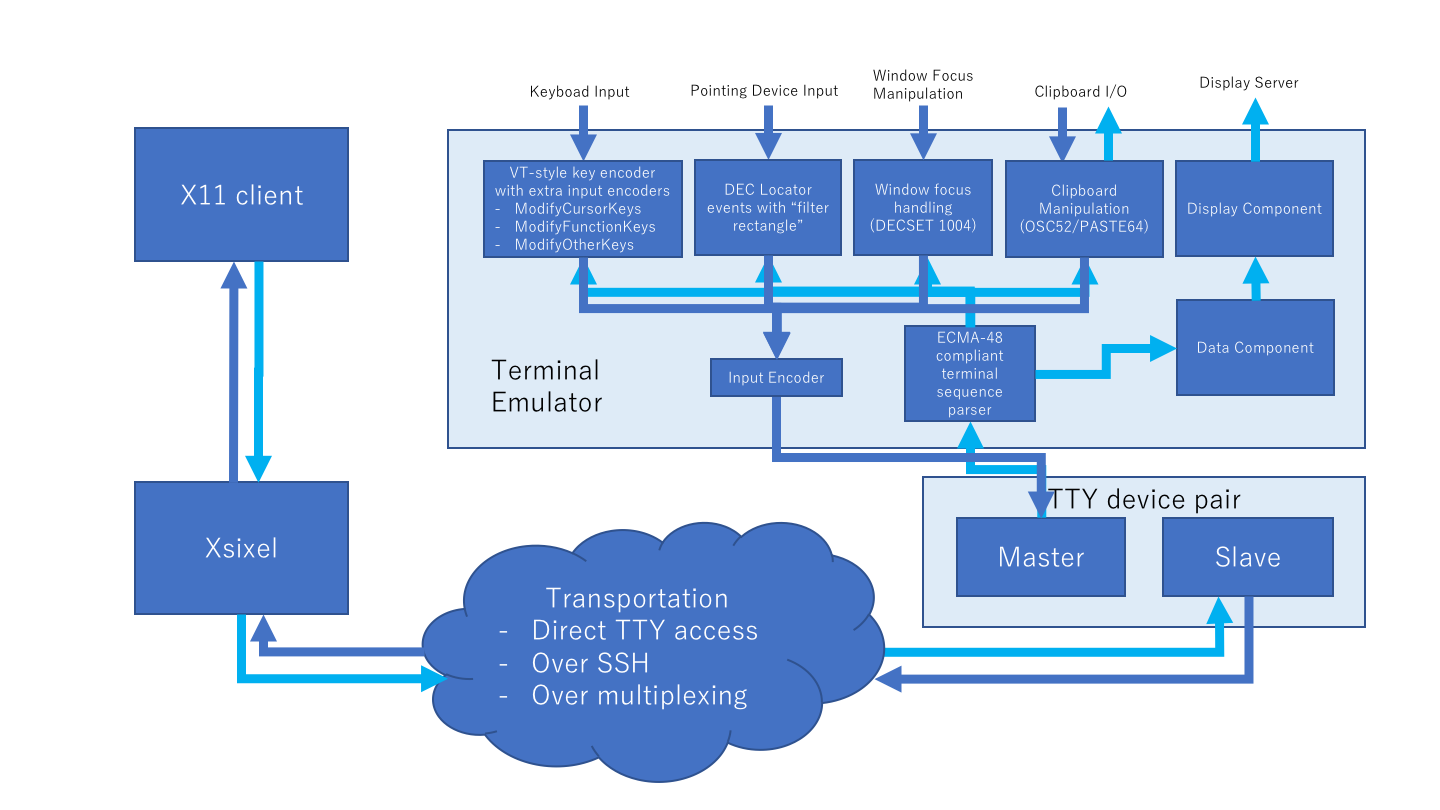
[Xsixel](https://github.com/saitoha/xserver-sixel) is a kdrive server implementation for SIXEL terminals.
### GNU Screen integration
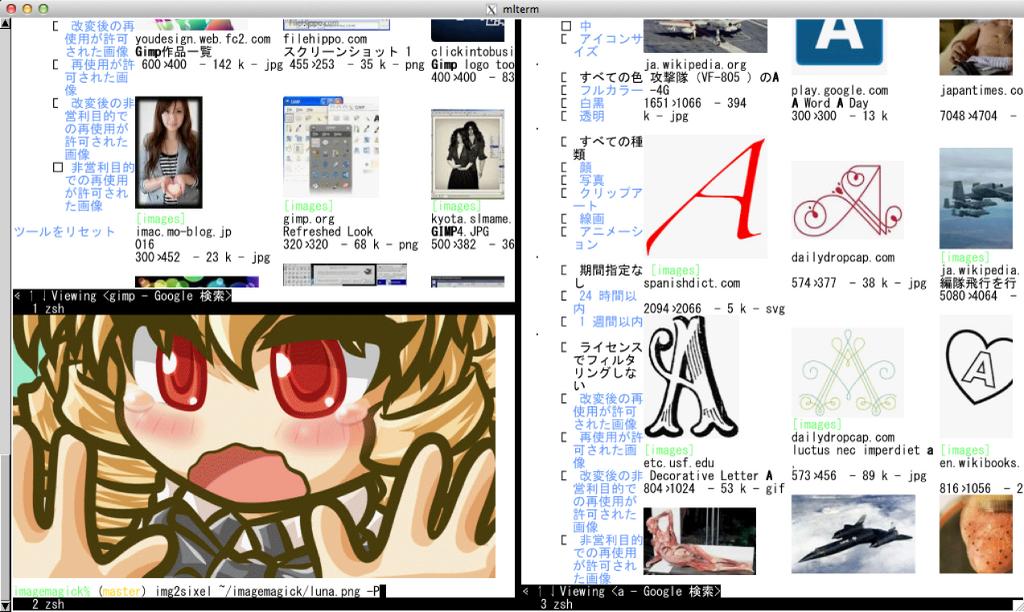
[Arakiken's GNU Screen fork(sixel branch)](https://github.com/csdvrx/sixel-gnuscreen)
works with SIXEL-supported applications including above products.
This project is now in progress.
GUI flavored SIXEL applications will integrated with existing terminal applications on it.
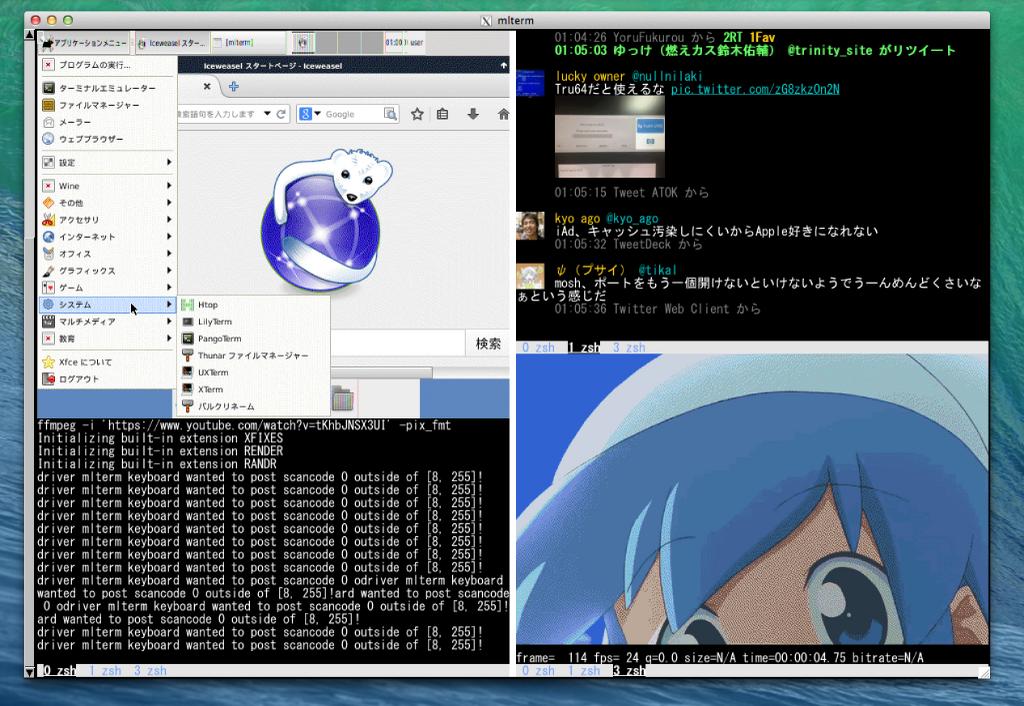
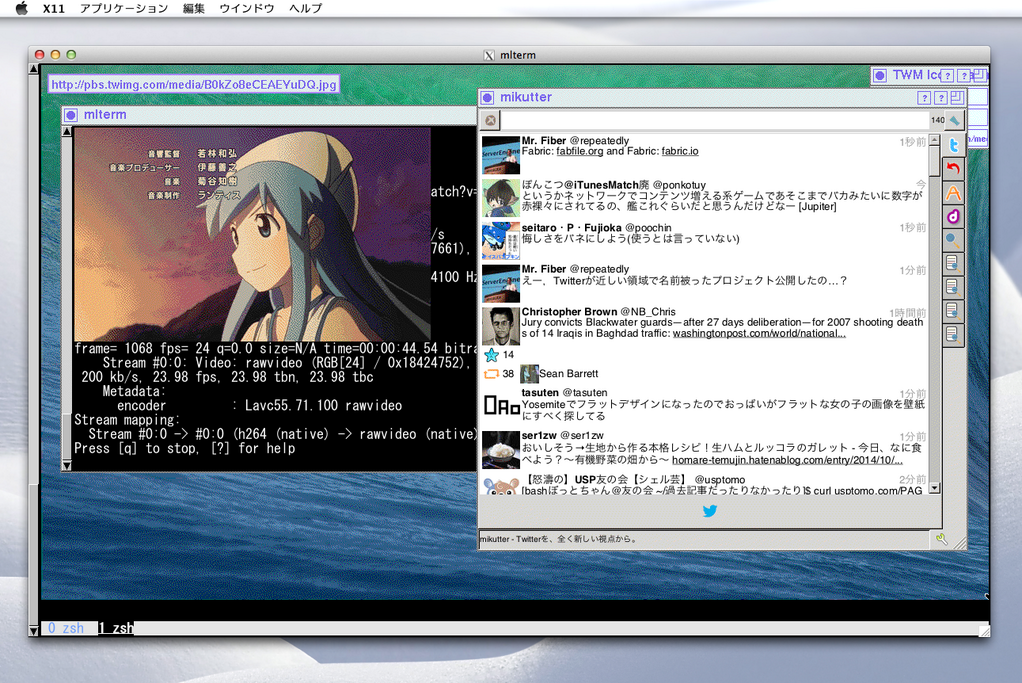
See also on [youtube](https://youtu.be/QQAqe32VkFg).
### libsixel running on old hardware
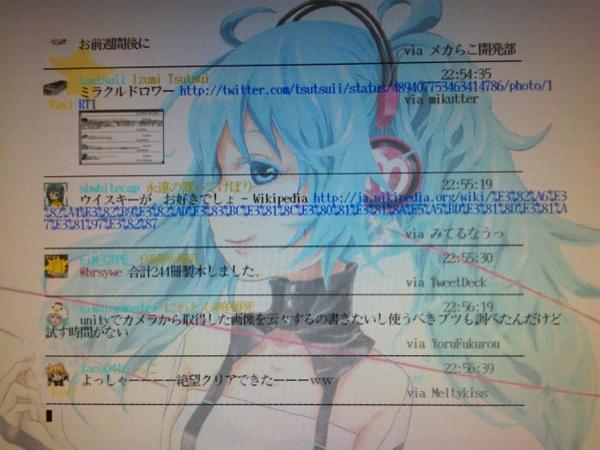
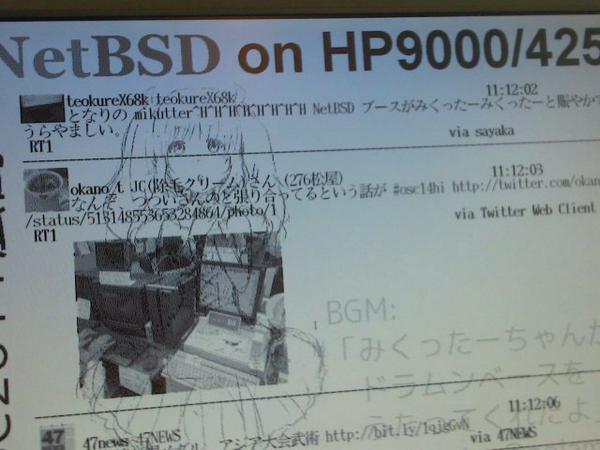
Some NetBSD/OpenBSD users are doing challenging work, showing that SIXEL graphics work on old low-powered machines such as:
#### OMRON LUNA-II
[NetBSD/luna68k](https://wiki.netbsd.org/ports/luna68k/) (here is OMRON LUNA-II):
#### HP9000/425e
[NetBSD/hp300](https://wiki.netbsd.org/ports/hp300/) (here is HP9000/425e):
#### OMRON LUNA-88K2
[OpenBSD/luna88k](https://www.openbsd.org/luna88k.html) (here is OMRON LUNA-88K2 MC88100@33MHz):
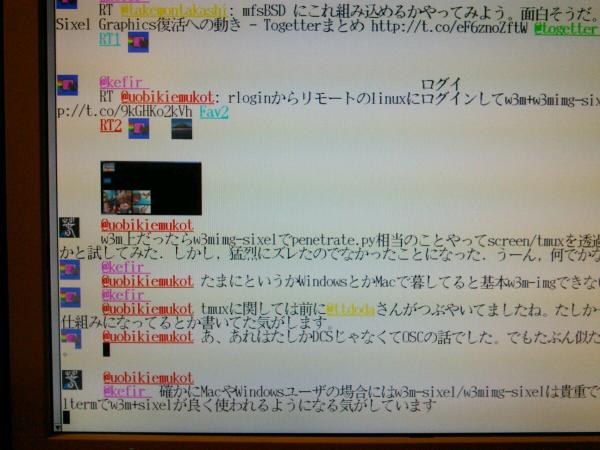
### [sayaka-chan](https://github.com/isaki68k/sayaka/)
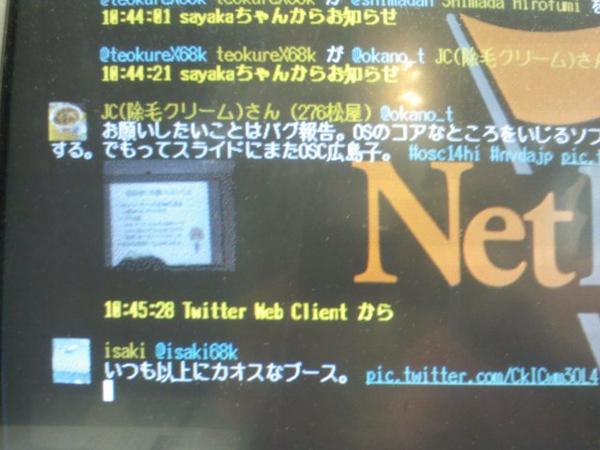
[sayaka-chan](https://github.com/isaki68k/sayaka/)(PHP version) works with libsixel inline-image extension.
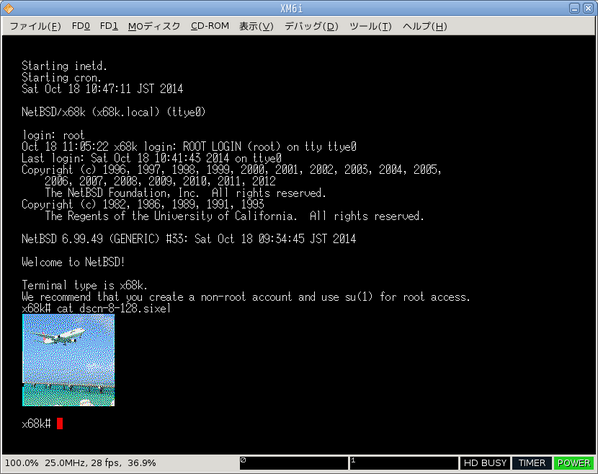
SIXEL works with old powerless machines such as [NetBSD/x68k](https://wiki.netbsd.org/ports/x68k/) (here is SHARP X68030 with 060turbo):
SIXEL works even in-kernel console. [@isaki68k](https://github.com/isaki68k) wrote
[a patch for ite(4)](https://github.com/isaki68k/misc/blob/master/NetBSD/patch/x68k-ite-sixel.diff).
### Other
#### [sixelSPAD](https://github.com/nilqed/sixelSPAD)
[screenshot](https://nilqed.github.io/drawfe/)
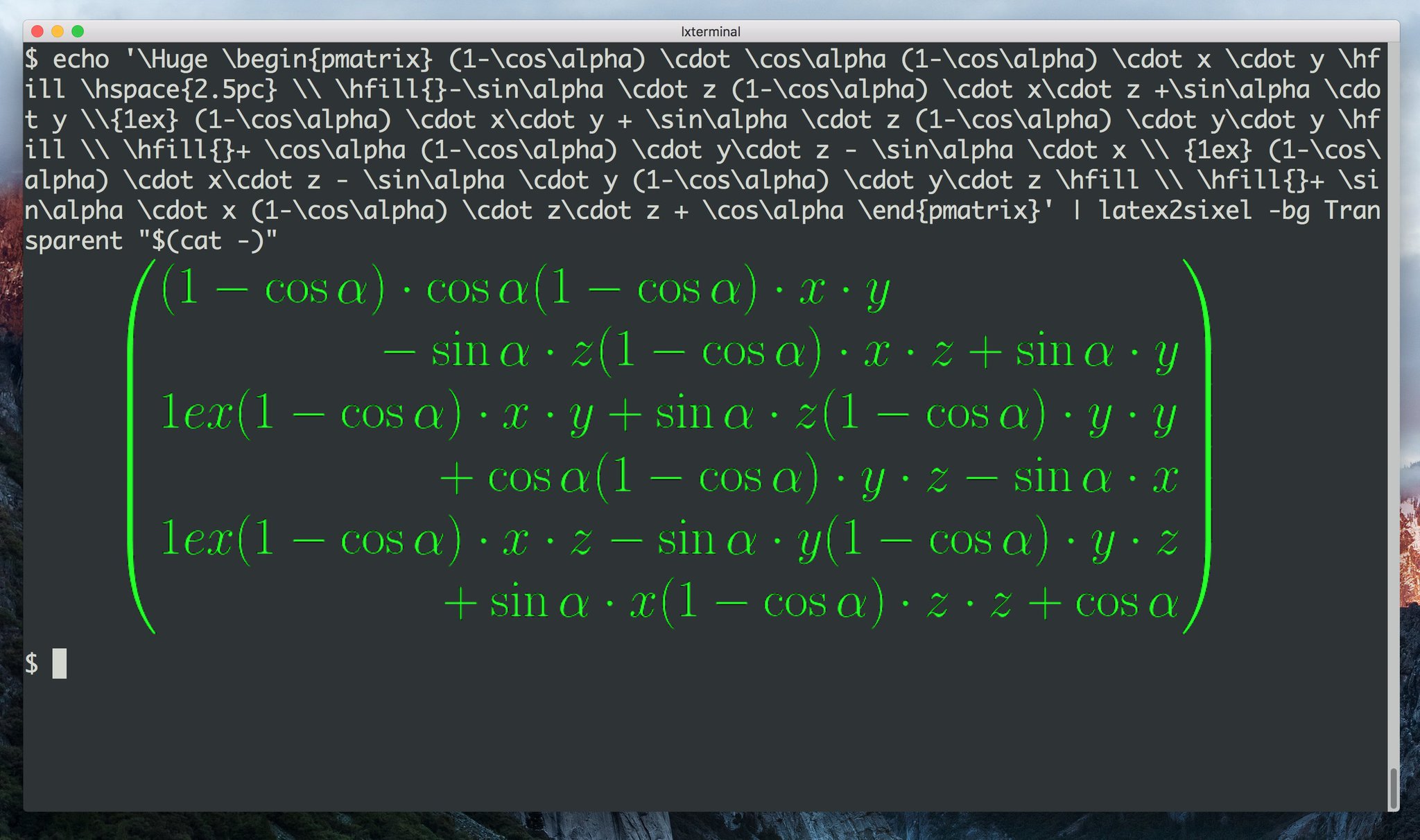
Includes 2 commands [fricas2sixel](https://github.com/nilqed/sixelSPAD/blob/master/bin/fricas2sixel)
and [latex2sixel](https://github.com/nilqed/sixelSPAD/blob/master/bin/latex2sixel).
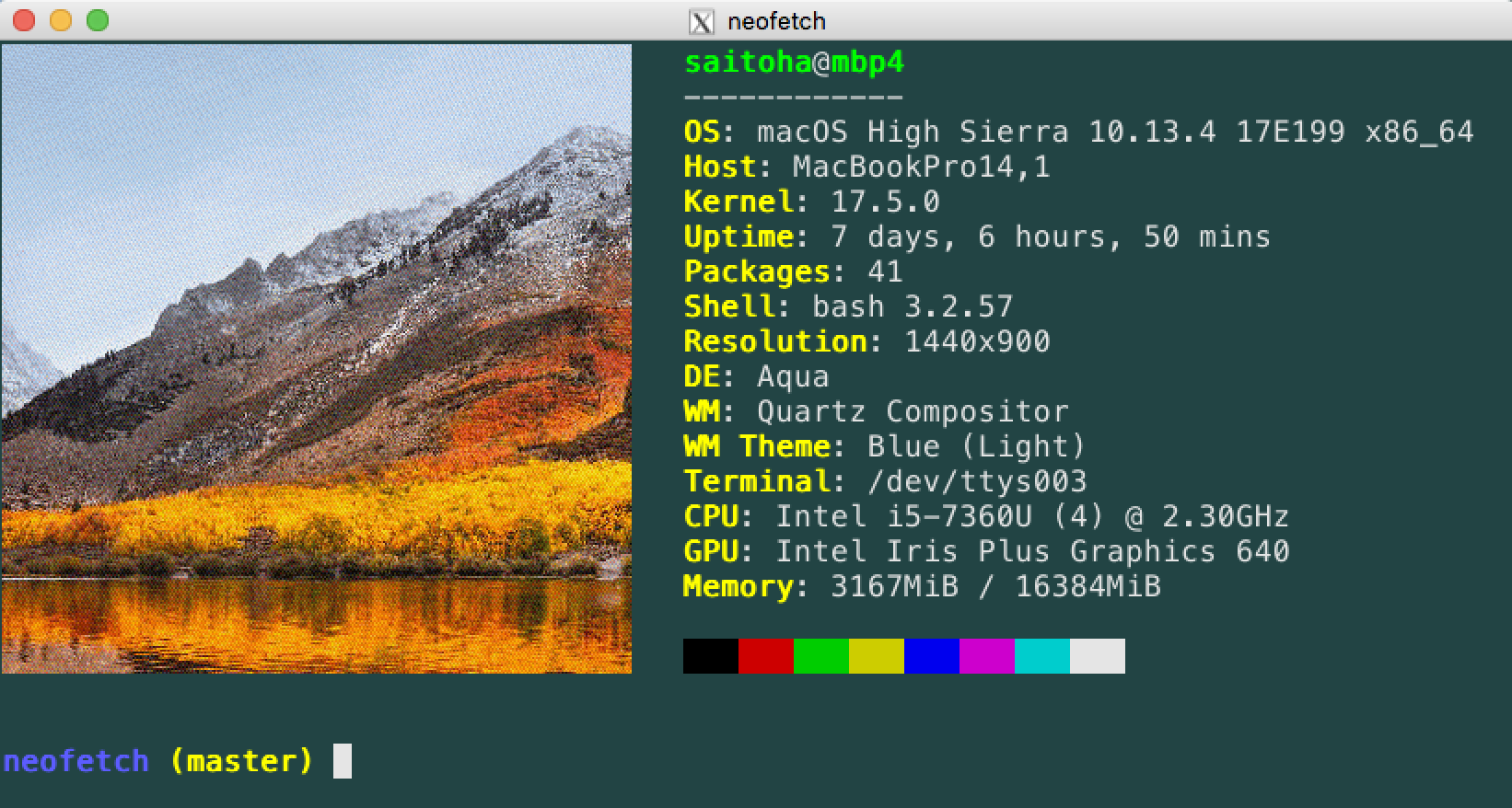
#### [Neofetch](https://github.com/dylanaraps/neofetch)
Now `sixel` backend is implemented.
See <https://github.com/dylanaraps/neofetch/wiki/Image-Backends#sixel>
#### [termplay](https://github.com/jD91mZM2/termplay)
Depends on [sixel-sys](https://github.com/AdnoC/sixel-sys), `--converter=sixel` option is supported.
[](https://youtu.be/sOHU1b-Ih90)
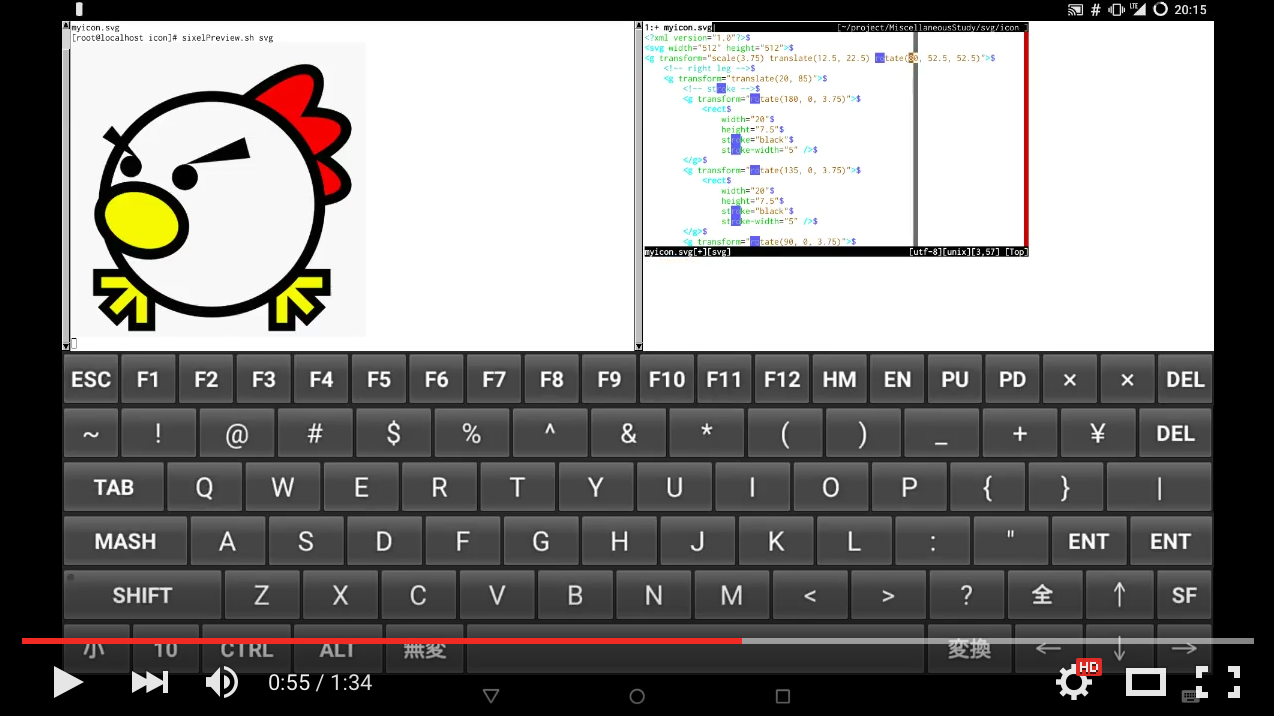
#### [sixelPreviewer](https://github.com/mikoto2000/sixelPreviewer)
Simple scripts and development environment for realtime edit-previewing for dot, svg, markdown, ...etc.
[](https://youtu.be/iPzHWPGWHV4)
#### [sdump](https://github.com/uobikiemukot/sdump)
A sixel image dumper, provides pdf previewer.
### [RetroArch](https://github.com/libretro/RetroArch)
SIXEL video driver is provided if you build it with `--enable-sixel` option.
([screenshot](https://imgur.com/lf3bh2S))
For even more, see [`Projects using SIXEL.md`](https://github.com/libsixel/libsixel/blob/master/md/Projects%20using%20SIXEL.md).
## Highlighted features
### Improved compression
Former sixel encoders(such as [ppmtosixel](https://netpbm.sourceforge.net/doc/ppmtosixel.html)) are mainly designed for dot-matrix printers.
They minimize the amount of printer-head movement distance.
But nowadays this method did not represent the best performance for displaying sixel data on terminal emulators.
SIXEL data for terminals were found in 80's Usenet, but the technology of how to create them seems to be lost.
[kmiya's sixel](https://nanno.dip.jp/softlib/man/rlogin/sixel.tar.gz) introduces the encoding method which is re-designed
for terminal emulators to optimize the overhead of transporting SIXEL with keeping compatibility with former SIXEL terminal.
Now libsixel and ImageMagick's sixel coder follow it.
@arakiken, known as the maintainer of mlterm, describes about the way to generate high quality SIXEL, which is adopted by libsixel
([https://mlterm.sourceforge.net/libsixel.pdf](https://mlterm.sourceforge.net/libsixel.pdf), in Japanese).
### High quality quantization
`img2sixel(1)` supports color image quantization. It works well even if few number of colors are allowed.
## Terminal requirements
If you want to view a SIXEL image, you have to get a terminal which support sixel graphics. Many terminals have support, such as `mlterm` and `iTerm2`. `xterm` is a commonly installed Linux terminal with support if ran as `xterm -xrm "XTerm*decTerminalID: vt340" -xrm "XTerm*numColorRegisters: 256"`. For a complete list of supported terminals, see [`Supported terminals.md`](https://github.com/libsixel/libsixel/blob/master/md/Supported%20terminals.md).
## Install
### Using package managers
You can install libsixel via the following package systems.
- [FreeBSD ports](https://portsmon.freebsd.org/portoverview.py?category=graphics&portname=libsixel)
- [DPorts](https://github.com/DragonFlyBSD/DPorts/tree/master/graphics/libsixel)
- [pkgsrc](https://cvsweb.netbsd.org/bsdweb.cgi/pkgsrc/graphics/libsixel/)
- [Homebrew](https://formulae.brew.sh/formula/libsixel)
- [yacp](https://github.com/fd00/yacp/tree/master/libsixel)
- [Debian](https://packages.debian.org/search?searchon=names&keywords=libsixel)
- [Arch Linux](https://archlinux.org/packages/community/x86_64/libsixel/)
- [Portage](https://packages.gentoo.org/package/media-libs/libsixel)
- [Ubuntu](https://launchpad.net/ubuntu/+source/libsixel)
- [NixOS](https://github.com/NixOS/nixpkgs/blob/master/pkgs/by-name/li/libsixel/package.nix)
- [OpenBSD Ports](https://openports.se/graphics/libsixel)
- [Fedora Copr](https://copr.fedorainfracloud.org/coprs/saahriktu/libsixel/)
- [SlackBuilds](https://slackbuilds.org/repository/14.2/libraries/libsixel/)
### Build from source package
As of libsixel 2.0, Meson is used to build, not GNU Autotools.
```
$ meson setup build
$ meson install -C build
```
#### Build with optional packages
You can use the following options at build time to influence the build. During the `meson build` step, pass e.g. `-Dlibcurl=enabled` to enable cURL.
|Option name|Former GNU Autotools equivalent|Description|Default?|
|--- |--- |--- |--- |
|img2sixel|`--enable-img2sixel`|Build binary `img2sixel`|Yes|
|sixel2png|`--enable-sixel2png`|Build binary `sixel2png`|Yes|
|gdk-pixbuf2|`--with-gdk-pixbuf2`|Whether to build in gdk-pixbuf2 support|No|
|gd|`--with-gd`|Whether to build in gd support (adds more image formats)|Auto|
|libcurl|`--with-libcurl`|build with cURL (allows input filenames to binaries/API to be URLs)|No|
|jpeg|`--with-jpeg`|Whether to build with libjpeg support|Auto|
|png|`--with-png`|Whether to build with libpng support|Auto|
|gcov|`--enable-gcov`|Build gcov coverage tests|No|
|tests|`--enable-tests`|Build tests (requires `bash`)|No|
|python3|`--enable-python`|Build Python library integration|No|
|pkg\_config\_path|`--with-pkgconfigdir`|`pkg-config` search directory|Set by Meson|
As well, several directories can be configured, most importantly `prefix`. Non-standard directories you can change are `bashcompletiondir` and `zshcompletiondir`.
Note: Before libsixel 2.0, Python was installed by default. This was disabled because it requires root on most systems for the Python module to be discoverable. Pass `-Dpython3=enabled` to install it.
## Usage of command line tools
See [`Command line tools.md`](https://github.com/libsixel/libsixel/blob/master/md/Command%20line%20tools.md).
## Examples
The following three example projects are distributed in the `examples/` directory:
### OpenGL
[OpenGL example](https://github.com/saitoha/libsixel/blob/master/examples/opengl/)
suggests how to port your OpenGL application to a SIXEL-supporting terminal.

### Drawing
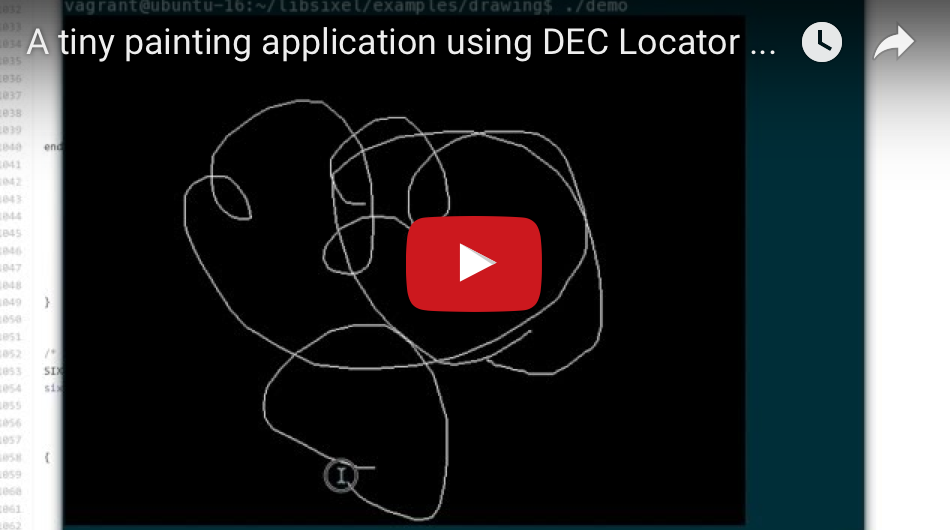
[Drawing example](https://github.com/saitoha/libsixel/blob/master/examples/drawing/)
suggests how to implement drawing with the mouse in SIXEL-supporting terminals.
[](https://youtu.be/2-2FnoZp4Z0)
### Python
[Python example](https://github.com/saitoha/libsixel/blob/master/examples/python/)
suggests how to convert PIL images into SIXEL graphics using libsixel's Python interface.
## APIs
APIs are provided for C, Python, Perl, PHP, and Ruby. For documentation of the C API, see the file [`md/C API.md`](https://github.com/libsixel/libsixel/blob/master/md/C%20API.md), or its header, [`sixel.h`](https://raw.githubusercontent.com/libsixel/libsixel/master/include/sixel.h.in). For documentations of the APIs for scripting languages, see the README for them in their respective directories.
### Bindings
- https://github.com/johnnychen94/Sixel.jl (Julia wrapper)
## Support
This software is provided "as is" without express or implied warranty.
The main support channel for this software is its GitHub issue tracker:
[https://github.com/libsixel/libsixel/issues](https://github.com/libsixel/libsixel/issues)
Please post an issue if you have any problems, questions or suggestions.
## License
libsixel is MIT-licensed. See the [`LICENSE`](https://github.com/libsixel/libsixel/blob/master/LICENSE) file. For licenses of vendorized code, see the files in the [`licenses`](https://github.com/libsixel/libsixel/blob/master/licenses/) directory.
For a list of authors, see the [`AUTHORS`](https://github.com/libsixel/libsixel/blob/master/AUTHORS) file.
## Contributing
1. Fork the project (<https://github.com/libsixel/libsixel/fork/>)
2. Pull (`git clone <your URL>`)
3. Create your feature branch (`git checkout -b my-new-feature`)
4. Make your changes and add your changed files (`git add ...`)
5. Commit your changes (`git commit -am 'Add some feature'`)
6. Push to the branch (`git push origin my-new-feature`)
7. Create a new Pull Request
## Acknowledgments
See [`Acknowledgements.md`](https://github.com/libsixel/libsixel/blob/master/md/Acknowledgements.md).
## Other implementations and similar software
See [`Other implementations.md`](https://github.com/libsixel/libsixel/blob/master/md/Other%20implementations.md).
|
