1
2
3
4
5
6
7
8
9
10
11
12
13
14
15
16
17
18
19
20
21
22
23
24
25
26
27
28
29
30
31
32
33
34
35
36
37
38
39
40
41
42
43
44
45
46
47
48
49
50
51
52
53
54
55
56
57
58
59
60
61
62
63
64
65
66
67
68
69
70
71
72
73
74
75
76
77
78
79
80
81
82
83
84
85
86
87
|
# Libxdf - a C++ library for loading [XDF](https://github.com/sccn/xdf/wiki/Specifications "Extensible Data Format") files
* [Introduction](#intro)
* [Download](#download)
* [Quick-Start Guide](#quick)
* [Documentation](#doc)
* [Support](#support)
## <a name="intro"></a>Introduction
Libxdf is a cross-platform C++ library for loading multimodal, multi-rate signals stored in [XDF](https://github.com/sccn/xdf/wiki/Specifications "Extensible Data Format") files.
Libxdf is used in the biosignal viewing application [SigViewer](https://github.com/cbrnr/sigviewer). It can also be integrated into other
C++ applications.
Libxdf is open-source, free, and actively maintained.
## <a name="download"></a>Download
* [Source code (zip)](https://github.com/Yida-Lin/libxdf/archive/0.94.zip)
* [Source code (tar.gz)](https://github.com/Yida-Lin/libxdf/archive/0.94.tar.gz)
* [Pre-built binaries](https://github.com/Yida-Lin/libxdf/releases)
## <a name="quick"></a>Quick-Start Guide
### Building libxdf
Libxdf can be conveniently built either using `qmake` or `cmake`. Configuration files for both build tools are included with the source.
### Use in conjunction with [SigViewer](https://github.com/cbrnr/sigviewer)
Libxdf is a built-in component of [SigViewer](https://github.com/cbrnr/sigviewer). If you wish to build SigViewer from source, follow these steps:
1. Download `xdf.h` and `libxdf.a` from the [release](https://github.com/Yida-Lin/libxdf/releases) page.
2. Copy `xdf.h` into `sigviewer/external/include`
3. Copy `libxdf.a` into `sigviewer/external/lib`
4. Build and run Sigviewer
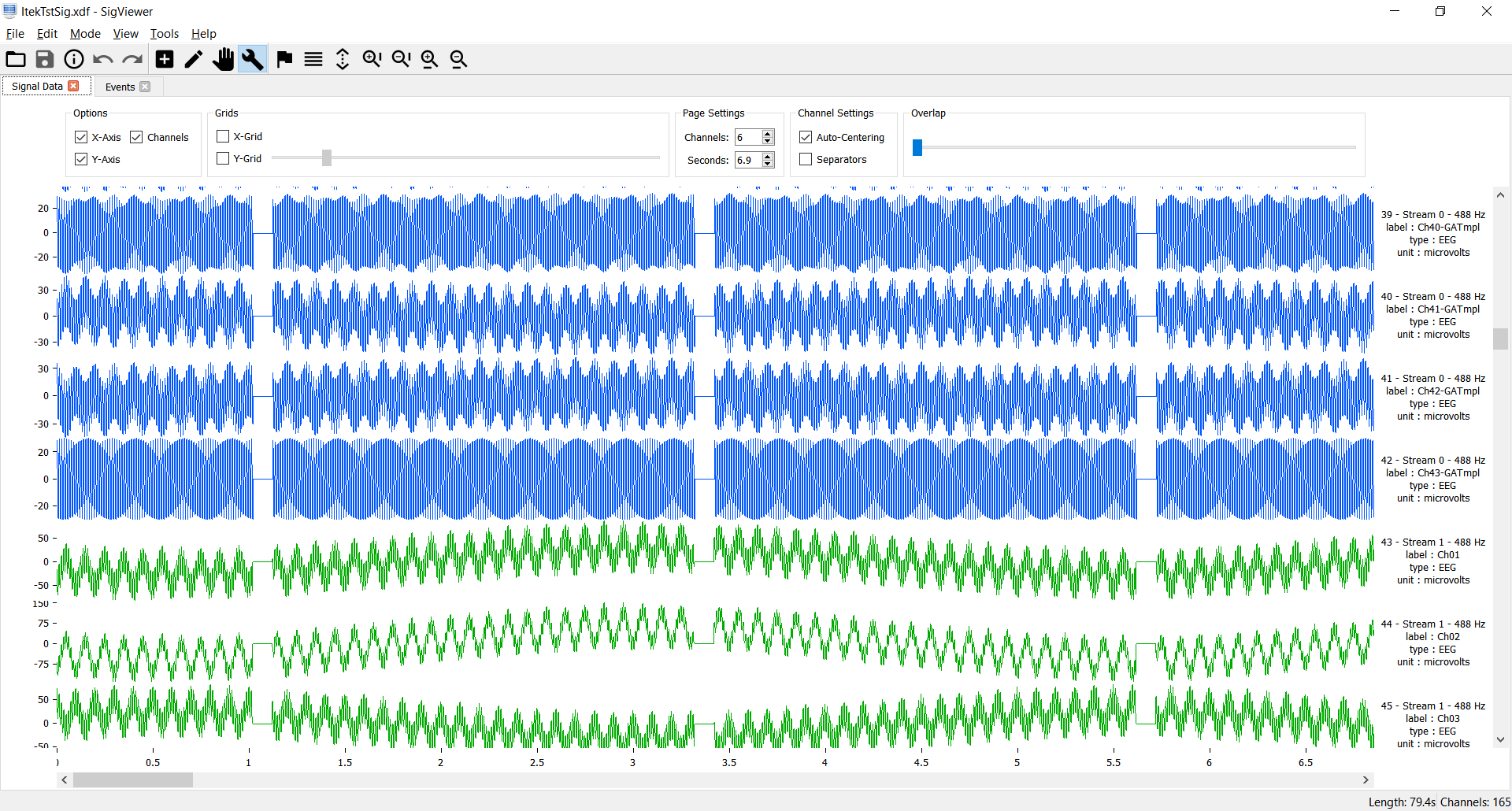
Example: SigViewer using _libxdf_ to display signals in an XDF file.
### Use in other C++ applications
1. Build libxdf from source or use a pre-built binary release
2. Instantiate an object of the `Xdf` class and call the `load_xdf` method.
Example:
```C++
#include "xdf.h"
Xdf XDFdata;
XDFdata.load_xdf("C:/example.xdf");
```
To resample the signals to e.g. 100Hz:
```C++
XDFdata.resample(100);
```
The functions in libxdf must be called following a certain order. For instance, if you call the `subtractMean` function before you load any data, it will cause undefined behavior.
The recommended order is shown here. Only `load_xdf` is mandatory.
```C++
XDFdata.load_xdf(std::string filepath);
XDFdata.subtractMean();
XDFdata.createLabels();
XDFdata.resample(int sampleRate);
XDFdata.freeUpTimeStamps();
```
Libxdf depends on third party libraries [Pugixml v1.8](http://pugixml.org/) for XML parsing and [Smarc](http://audio-smarc.sourceforge.net/) for resampling.
## <a name="doc"></a> Documentation
Detailed documentation was generated via [Doxygen](http://www.stack.nl/~dimitri/doxygen/index.html) and is available [here](docs/html/class_xdf.html).
## <a name="SigViewer"></a> SigViewer Online Repo
SigViewer Online Repository is [here](repository/Updates.xml).
## <a name="support"></a>Support
[Email author](mailto:yida.lin@outlook.com) or report a new [issue](https://github.com/Yida-Lin/libxdf/issues).
|
