1
2
3
4
5
6
7
8
9
10
11
12
13
14
15
16
17
18
19
20
21
22
23
24
25
26
27
28
29
30
31
32
33
34
35
36
37
38
39
40
41
42
43
|
# litecli
[](https://github.com/dbcli/litecli/actions/workflows/ci.yml "GitHub Actions")
[Docs](https://litecli.com)
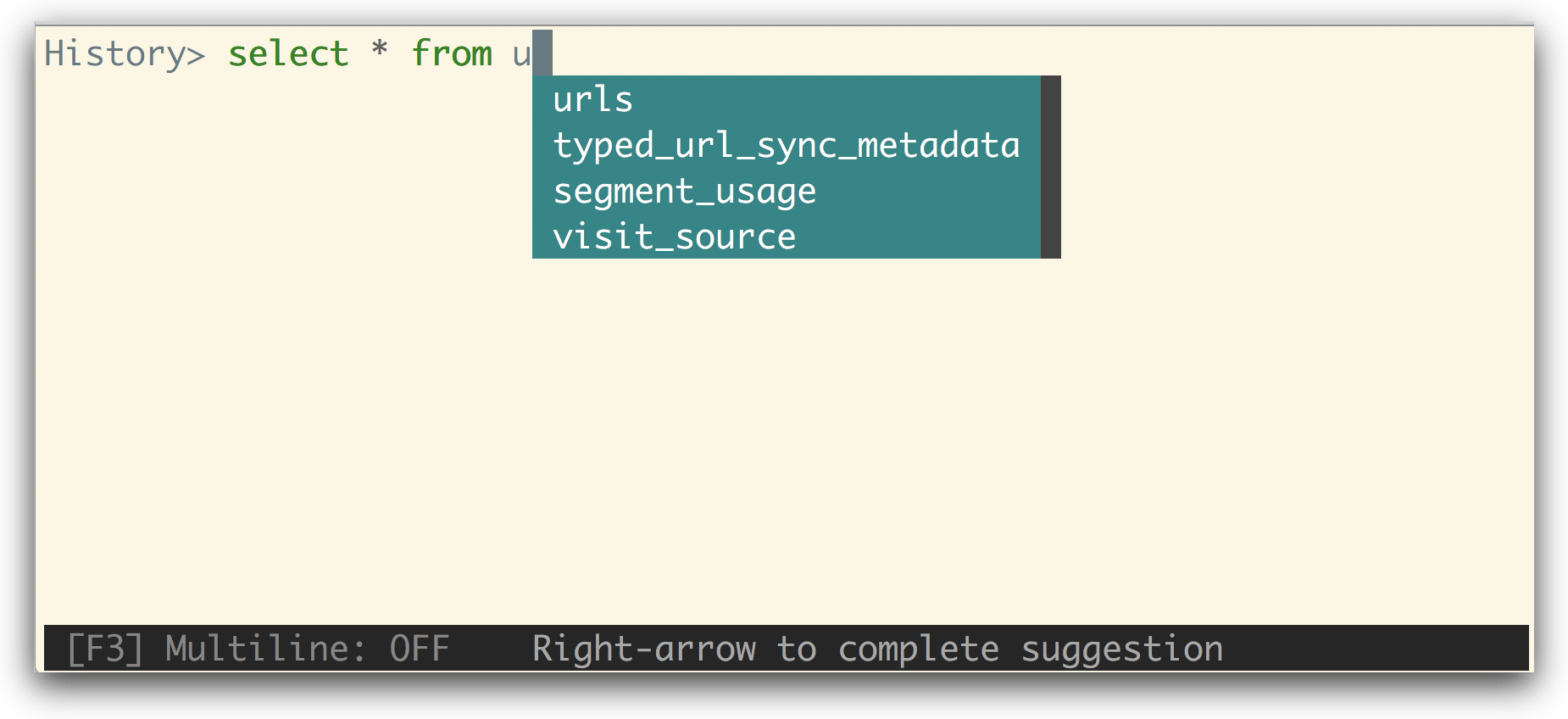
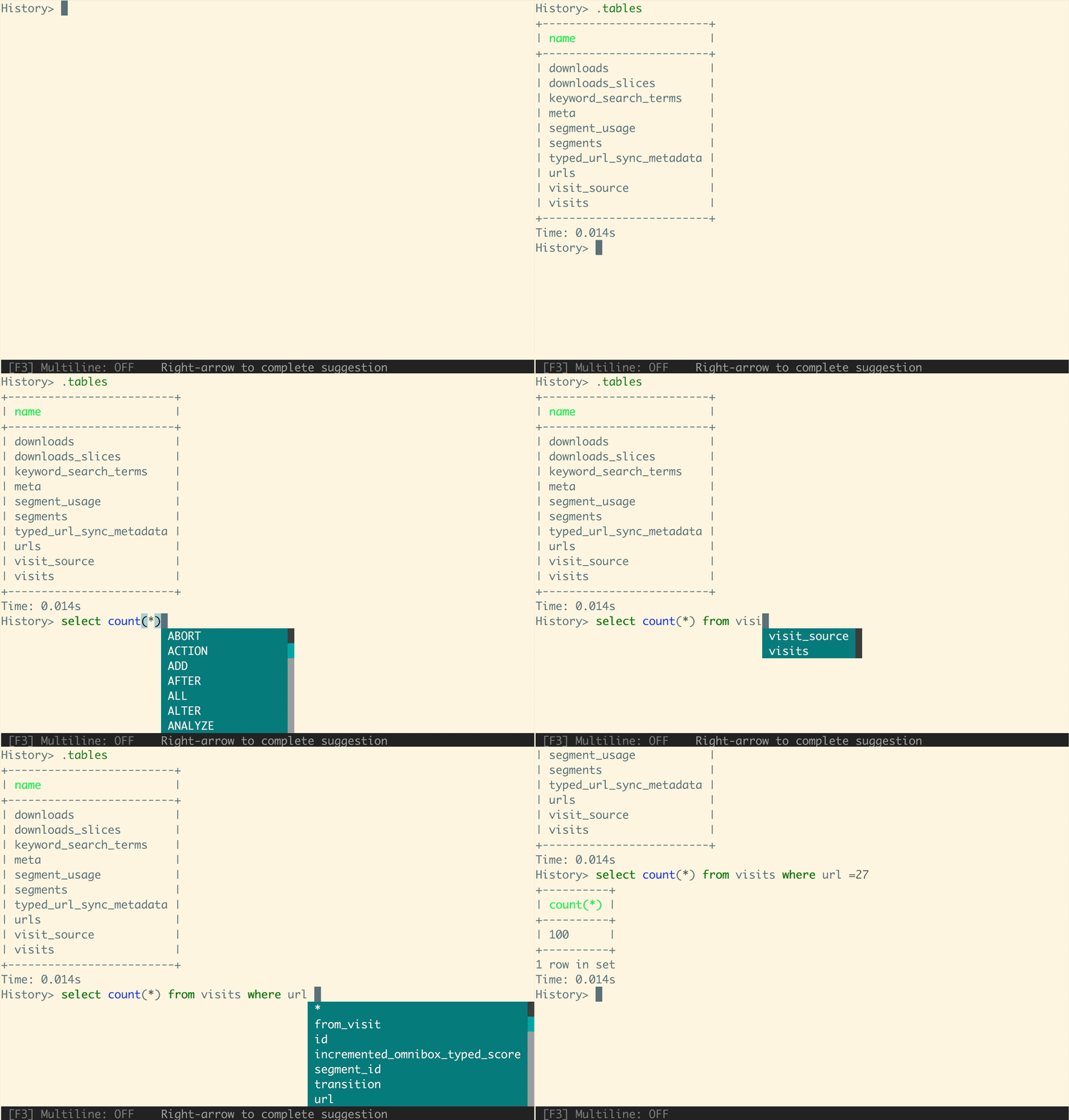
A command-line client for SQLite databases that has auto-completion and syntax highlighting.
## Installation
If you already know how to install python packages, then you can install it via pip:
You might need sudo on linux.
```
$ pip install -U litecli[sqlean]
```
For MacOS users, you can also use Homebrew to install it:
```
$ brew install litecli
```
## Usage
```
$ litecli --help
Usage: litecli [OPTIONS] [DATABASE]
Examples:
- litecli sqlite_db_name
```
A config file is automatically created at `~/.config/litecli/config` at first launch. For Windows machines a config file is created at `~\AppData\Local\dbcli\litecli\config` at first launch. See the file itself for a description of all available options.
## Docs
Visit: [litecli.com/features](https://litecli.com/features)
|
