1
2
3
4
5
6
7
8
9
10
11
12
13
14
15
16
17
18
19
20
21
22
23
24
25
26
27
28
29
30
31
32
33
34
35
36
37
38
39
40
41
42
43
44
45
46
47
48
49
50
51
52
53
54
55
56
57
58
59
60
61
62
63
64
65
66
67
68
69
70
71
72
73
74
75
76
77
78
79
80
81
82
83
84
85
86
87
88
|
<h1 align="center">
paramspider
<br>
</h1>
<h4 align="center"> Mining URLs from dark corners of Web Archives for bug hunting/fuzzing/further probing </h4>
<p align="center">
<a href="#about">📖 About</a> •
<a href="#installation">🏗️ Installation</a> •
<a href="#usage">⛏️ Usage</a> •
<a href="#examples">🚀 Examples</a> •
<a href="#contributing">🤝 Contributing</a> •
</p>
## About
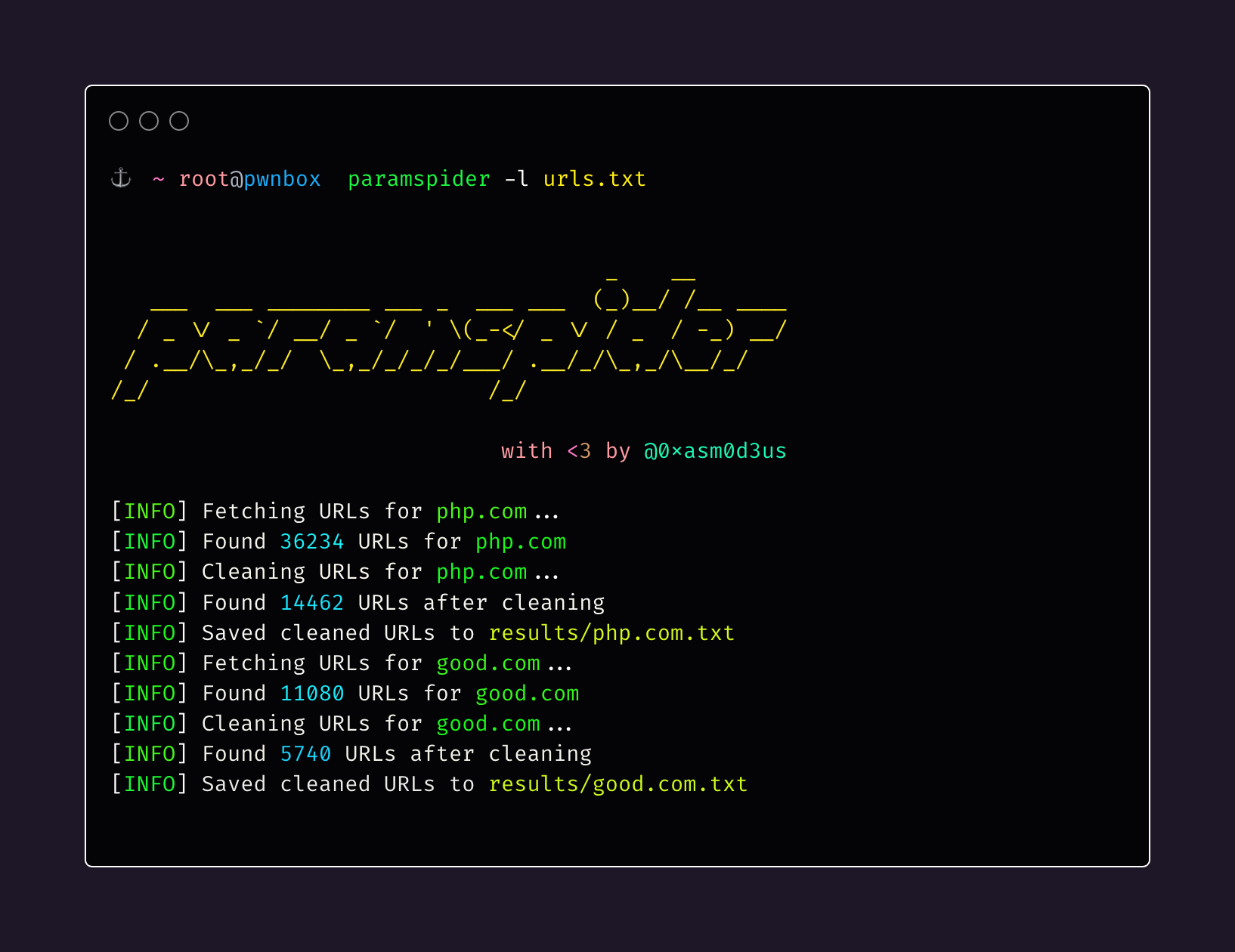
`paramspider` allows you to fetch URLs related to any domain or a list of domains from Wayback achives. It filters out "boring" URLs, allowing you to focus on the ones that matter the most.
## Installation
To install `paramspider`, follow these steps:
```sh
git clone https://github.com/devanshbatham/paramspider
cd paramspider
pip install .
```
## Usage
To use `paramspider`, follow these steps:
```sh
paramspider -d example.com
```
## Examples
Here are a few examples of how to use `paramspider`:
- Discover URLs for a single domain:
```sh
paramspider -d example.com
```
- Discover URLs for multiple domains from a file:
```sh
paramspider -l domains.txt
```
- Stream URLs on the termial:
```sh
paramspider -d example.com -s
```
- Set up web request proxy:
```sh
paramspider -d example.com --proxy '127.0.0.1:7890'
```
- Adding a placeholder for URL parameter values (default: "FUZZ"):
```sh
paramspider -d example.com -p '"><h1>reflection</h1>'
```
## Contributing
Contributions are welcome! If you'd like to contribute to `paramspider`, please follow these steps:
1. Fork the repository.
2. Create a new branch.
3. Make your changes and commit them.
4. Submit a pull request.
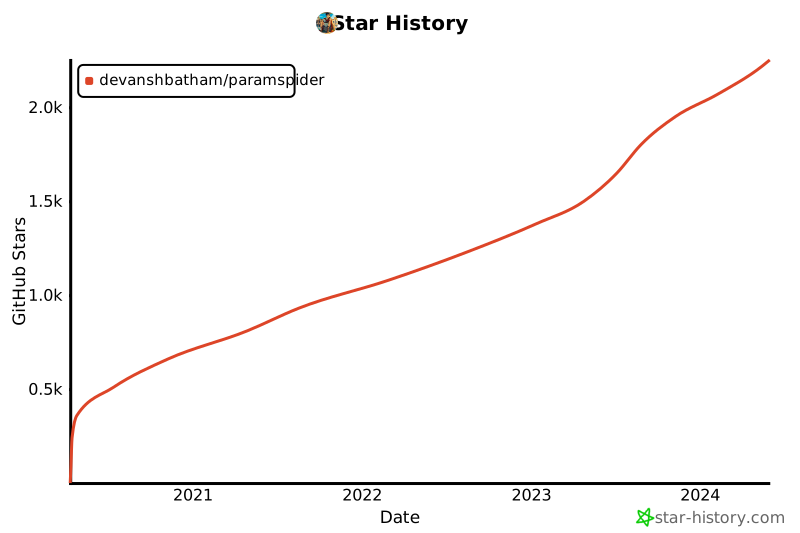
## Star History
[](https://star-history.com/#devanshbatham/paramspider&Date)
|
