1
2
3
4
5
6
7
8
9
10
11
12
13
14
15
16
17
18
19
20
21
22
23
24
25
26
27
28
29
30
31
32
33
34
35
36
37
38
39
40
41
42
43
44
45
46
47
48
49
50
51
52
53
54
55
56
57
58
59
|
#  PDF Mix Tool
 is a simple and lightweight application that allows you to
perform common editing operations on PDF files.
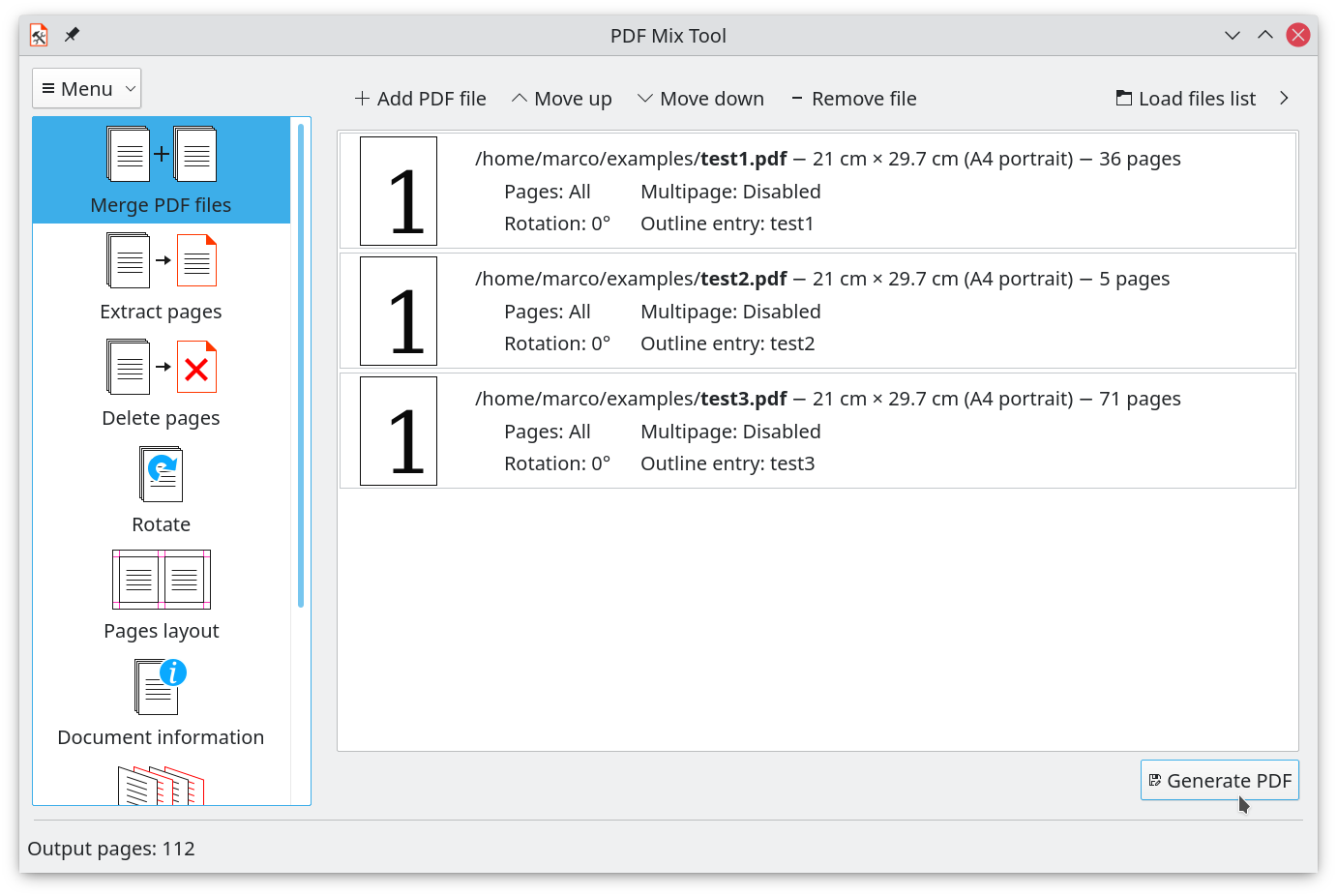
Base operations it can perform are the following:
- Merge two or more files specifying a page set for each of them
- Rotate pages
- Composite more pages onto a single one (N-up)
- Combinations of all of the above
Besides, it can also mix files alternating their pages, generate booklets,
add white pages to a PDF file, delete pages from a PDF file, extract pages
from a PDF file, edit the PDF document information, extract images from a PDF file.
## Useful links
[Changelog/Roadmap](CHANGELOG.md)
[Website](https://scarpetta.eu/pdfmixtool/): here you can find usage
guides, building instructions and all other information.
Help translating on Weblate: <a href="https://hosted.weblate.org/engage/pdf-mix-tool/?utm_source=widget">
<img src="https://hosted.weblate.org/widgets/pdf-mix-tool/-/svg-badge.svg" alt="Translations status" />
</a>
## Installation
### Packaging status
Here you can check if PDF Mix Tool is available in your distribution:
[](https://repology.org/project/pdfmixtool/versions)
## Building
To build PDF Mix Tool you need the following libraries and tools:
- **Qt** (base, svg and tools) >= **6.0**
- **qpdf** (version >= **10.0.0** recommended)
- **Magick++**, provided by **ImageMagick** or **GraphicsMagick**
- **Poppler Qt6**
- **CMake** >= **3.6**
Run the following commands inside the git repository directory:
```
mkdir build
cd build
cmake .. -DCMAKE_INSTALL_PREFIX=/usr -DCMAKE_BUILD_TYPE=Release
make
```
Optionally, GraphicsMagick can be used instead of ImageMagick by calling `cmake` with the flag `-DUSE_GRAPHICSMAGICK=ON`.
Run the following command to install PDF Mix Tool system-wide:
```
sudo make install
```
|
