1
2
3
4
5
6
7
8
9
10
11
12
13
14
15
16
17
18
19
20
21
22
23
24
25
26
27
28
29
30
31
32
33
34
35
36
37
38
39
40
41
42
43
44
45
46
47
48
49
50
51
52
53
54
55
56
57
58
59
60
61
62
63
64
65
66
67
68
69
70
71
72
73
74
75
76
77
78
79
80
81
82
83
84
85
86
87
88
89
90
91
92
93
94
95
96
97
98
99
100
101
102
|
PyATEM
======
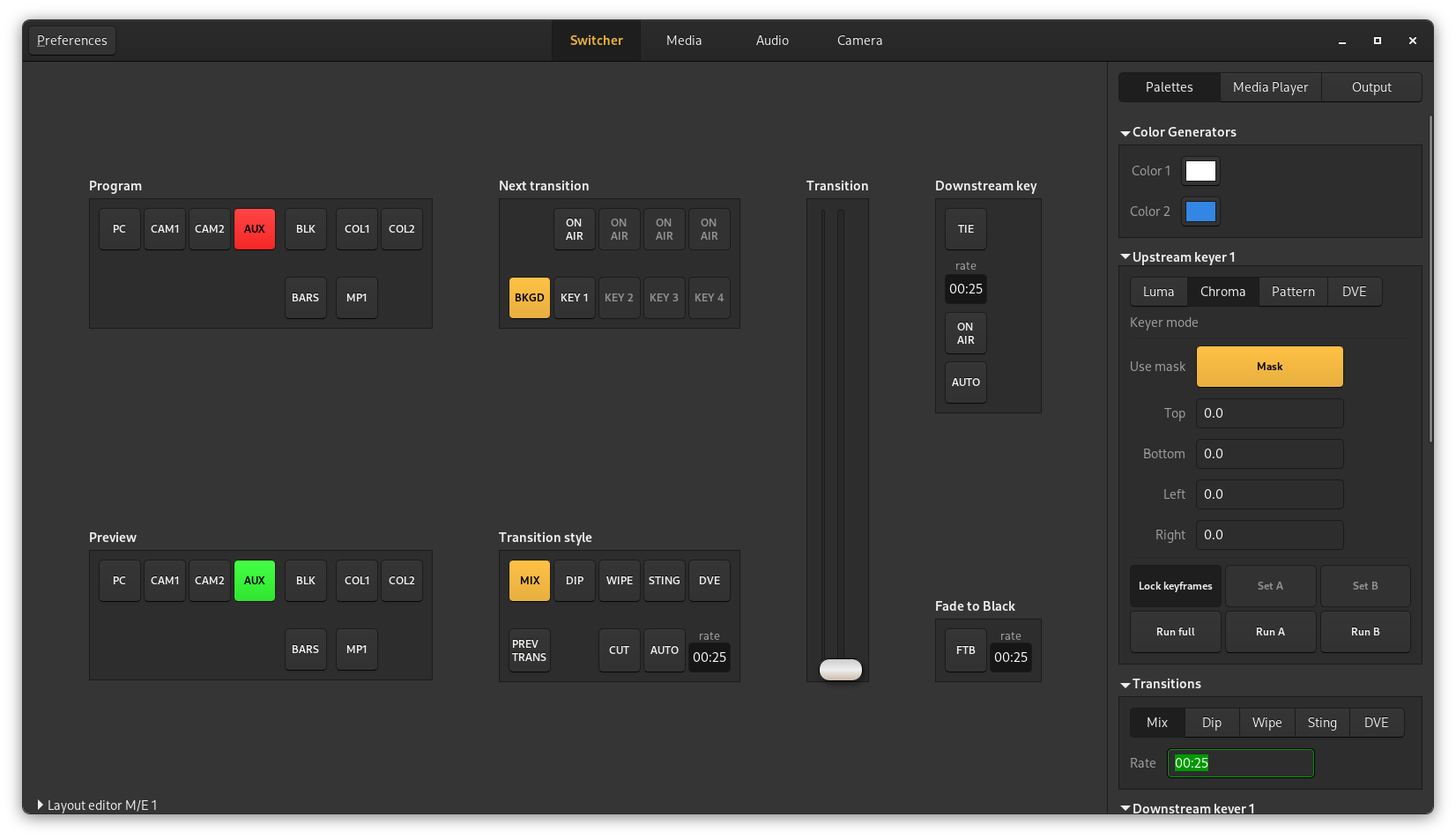
Library implementing the ATEM video switcher protocol and a GTK3.0 application
Installation
------------
Install the pyatem protocol module::
setup.py build
sudo setup.py install
Build and install the gtk application and proxy::
meson build
meson compile -C build
sudo meson install -C build
Run the application::
switcher-control
There is also the `openswitcher-install.sh` script which will install the library, proxy and gtk application in
/usr/local for a quick installation of all components.
External dependencies
---------------------
The only external dependency for pyatem is pyusb for the USB protocol support. It contains a native compiled module so
it also requires a toolchain and python-dev headers at build time.
OpenSwitcher depends on the python bindings from gtk3.
OpenSwitcher-proxy only depends on pyatem for the core functionality but it might need more dependencies when loading
specific frontends or backends:
* MQTT Frontend: paho-mqtt
Developing
----------
To work on the `pyatem` library the quickest way to get up and running is using the `openswitcher-develop.sh` script
that will install the `pyatem` library in devel mode where the files are symlinked to the git repository. It will also
install the proxy and gtk application in /usr/local which will use the symlinked library.
Development happens on matrix on #openatem:brixit.nl
Proxy
-----
There is also the `openswitcher_proxy` python module in this repository. It will run an API wrapper around one or
more ATEM switchers. There is currently a single api supported which is a HTTP REST api for sending commands and
reading the mixer state.
It can be run by starting the module::
python3 -m openswitcher_proxy --config /etc/myconfigfile.toml
Or if the software installed it can be started using the launcher script::
openswitcher-proxy --config /etc/myconfigfile.toml
The default config location is /etc/openswitcher/proxy.toml if not specified. Here's an example config:
[[hardware]]
id = "mini"
label = "Atem Mini"
address = "192.168.2.84"
[[hardware]]
id = "mini2"
label = "Local switcher"
address = "usb"
[[frontend]]
type = "http-api"
bind = ":8080"
auth = true
username = "bob"
password = "hunter2"
hardware = "mini,mini2"
[[frontend]]
type = "status"
bind = "127.0.0.1:8082"
auth = false
The status frontend provides a simple html page with the state of the connected switchers and a list
of the enabled frontends.
The http-api frontend provides a HTTP server that can return any of the supported fields as json and
trigger commands by sending a HTTP POST request with formfields or json
Translations
------------
The main language for the software is english, the translation for the project happens on
https://hosted.weblate.org/projects/openswitcher
|
